Best Voice Rating Tools: Rate My Singing Voice Apps Tested (2026)


On this page
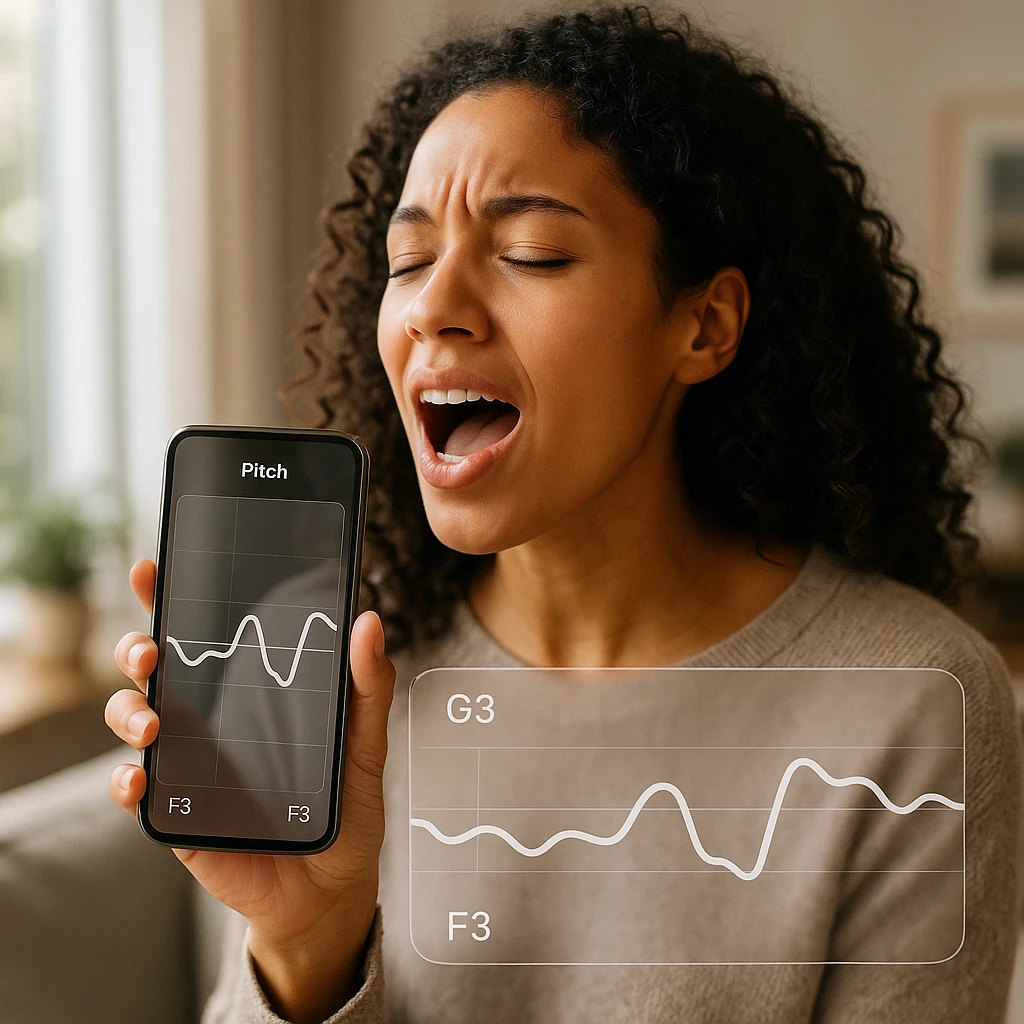
You sang something in the car, it sounded decent, and now you want a number. That is the whole job of a voice rating tool: record 15 to 30 seconds of singing, let AI score the pitch, timing, and tone, and tell you plainly where you sit. No vocal coach appointment, no polite friend telling you it was “really good.”
The catch is that “voice rating app” covers two different products. Some are pure raters, you sing and get a score. Others are singing courses with a score bolted on, and their free tiers are built to push you into a subscription. This guide compares six tools across both camps, with the real free-tier limits spelled out, because that is where most of these apps quietly disappoint.
Related guides: our roundups of the best AI audio editing tools for post-production, best transcription software for recording analysis, and best voice changers for creative vocal effects.
Quick picks
Free 1-10 voice test in the browser, no signup, scored on 5 vocal parameters. Saving the AI review to your library uses one of the free plan's 2 transcriptions.
Pop-focused daily exercises with real-time pitch tracking, $17.99 a year.
Structured singing lessons with a big song library, $14.99 a month after a 7-day trial.
AI pitch detection and vocal range testing, 5 free tests a week.
Best Voice Rating Tools Comparison 2026
| Rank | Tool | Best For | Free Tier | Rating System | Score |
|---|---|---|---|---|---|
| 1 | ScreenApp | Free in-browser testing | Unlimited | 1-10 (5 params) | 9.5/10 |
| 2 | Vanido | Pop music focus | 3 exercises/day | 3-star scale | 8.5/10 |
| 3 | Yousician | Comprehensive learning | 7-day trial | Real-time feedback | 8.5/10 |
| 4 | Sing Sharp | Pitch accuracy | 5 tests/week | AI pitch detection | 8/10 |
| 5 | Singing Carrots | Interactive training | Free tier | Visual feedback | 7.5/10 |
| 6 | Perfect Ear | Ear training | Free + paid | Note accuracy | 7/10 |
The out-of-ten scores here are our editorial read, not a lab benchmark. Pricing checked in July 2026; free tiers change often, so confirm before you subscribe.
1. ScreenApp
Best for a free in-browser voice test
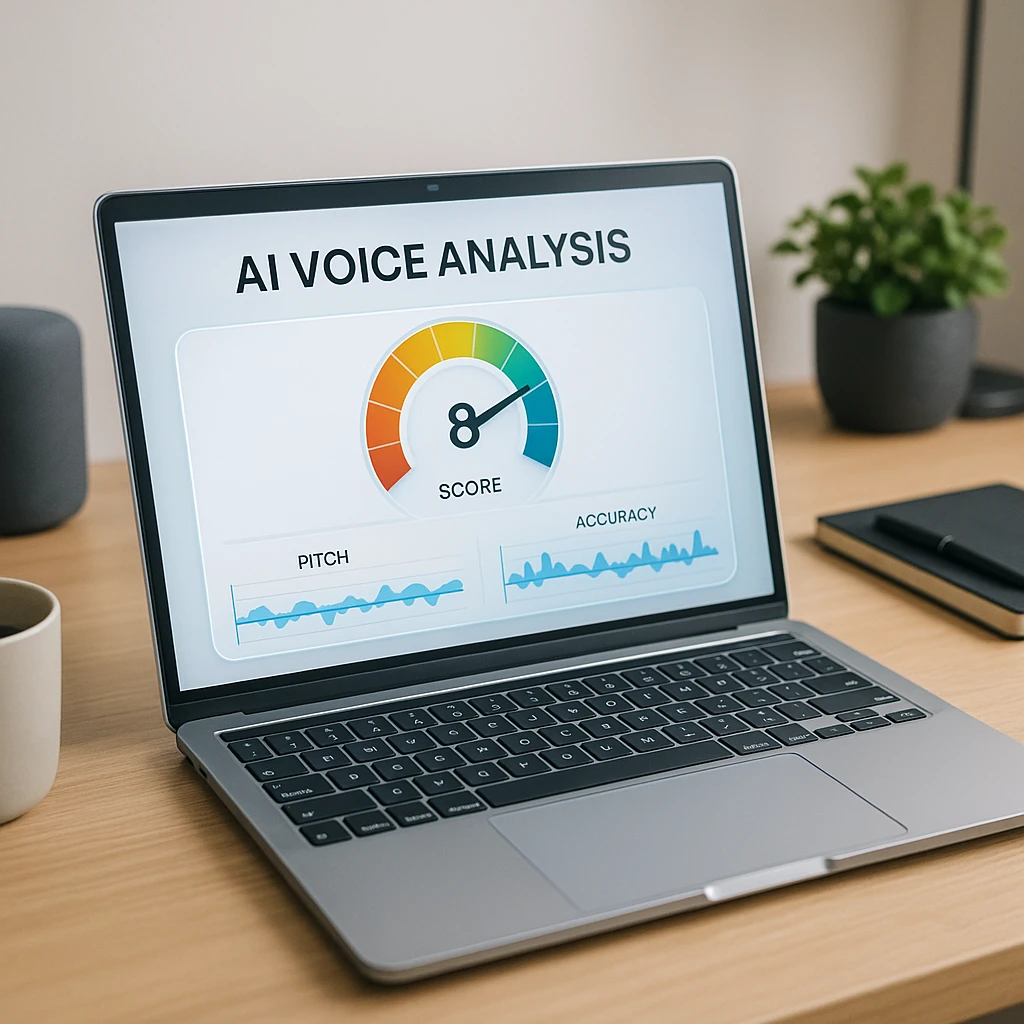
We built ScreenApp, so read this ranking with that bias in mind. The reason it sits first is checkable: it is the only pure rater here with no usage cap. You sing 15 to 30 seconds into the browser (or upload an MP3, WAV, or M4A), and about 15 seconds later you get a 1-10 score across five parameters: pitch accuracy to within 5 cents, tonal consistency, rhythmic timing, breath control, and dynamic range. No account, no daily limit, so you can retest weekly and actually watch the number move.
Key Features
Pros
- -Free in-browser test with no account or credit card
- -Specific 1-10 scoring is clear and trackable over time
- -Accepts uploads, so you can score an old recording too
Cons
- -A testing tool, not a structured lesson course
- -No personalized exercise plans after the score
Best For
Anyone asking "am I a good singer?" who wants an objective number today, and singers tracking week-over-week improvement without a subscription.
2. Vanido
Best for pop music singers on a budget
Vanido is a pop-singing trainer rather than a pure rater. Each exercise gets scored on a 3-star scale, and daily sessions adapt to your vocal range and past performance. The real-time pitch line is the standout: you watch your voice drift off the note as it happens, which teaches faster than any after-the-fact score. At $2.99 a month or $17.99 a year, it is the cheapest subscription here, and the free tier still gives you 3 exercises a day.
Key Features
Pros
- -Cheapest subscription here at $2.99 a month
- -3 free exercises daily on the free tier
- -Strong visual feedback for beginners
Cons
- -Pop-genre focus; weak for other styles
- -3-star scale is vaguer than a numeric score
- -Unlimited practice needs the subscription
Best For
Pop singers who want cheap daily practice with real-time pitch feedback and do not need cross-genre coverage.
3. Yousician
Best full singing course with ratings built in
Yousician is the most complete platform on this list, and the most expensive. It pairs real-time pitch and rhythm feedback with an actual curriculum: breath support, intervals, scales, vocal range, ear training, even solfege. The gamified format (levels, streaks, a big song library) keeps practice from feeling like homework. The catch is the paywall: singing costs $14.99 a month or $89.99 a year, and the free option is a 7-day trial rather than an ongoing tier. If all you want is a score, this is overkill.
Key Features
Pros
- -The most complete feature set of the six
- -Gamification keeps practice consistent
- -Works from beginner to advanced
Cons
- -Most expensive option: $14.99/month or $89.99/year
- -Only a 7-day free trial, no ongoing free tier for singing
- -Heavy if you only want a quick voice rating
Best For
Committed singers who want a structured course with scoring built in, and learners who stick with gamified apps.
4. Sing Sharp
Best for fixing pitch accuracy specifically
Sing Sharp does one thing with focus: pitch. Its AI analyzes your singing, flags the specific notes you miss, and builds exercises around those weaknesses. The vocal range test places your voice type (soprano, alto, tenor, bass), and the warm-up routines are genuinely useful before any practice session. The free tier caps you at 5 tests a week and requires signup; premium runs about $12.99 a year, cheap for what it covers, though the app is narrower than Yousician.
Key Features
Pros
- -Strong AI-driven personalization for pitch problems
- -Cheap premium at about $12.99 a year
- -Good warm-up and technique focus
Cons
- -Free tier caps at 5 tests a week, signup required
- -Narrower than Yousician's full curriculum
Best For
Singers whose one recurring note from listeners is "you were flat there" and who want drills aimed at exactly that.
5. Singing Carrots
Best free browser training games
Singing Carrots is the training-games site of this list. The free vocal range test compares your range to famous singers (a fun, oddly motivating touch), the pitch monitor visualizes your voice in real time, and the exercise games adapt to your voice type. The tradeoff: it trains rather than scores. There is no single number telling you how good you sounded, so pair it with a rater if you want to track progress numerically.
Key Features
Pros
- -Genuinely free core tools, no premium wall on the tests
- -Good educational content alongside the games
- -Browser-based, nothing to install
Cons
- -No numeric overall rating, so progress is harder to track
- -Less structured than the paid apps
Best For
Beginners exploring their range for free, and singers who learn better from games than from graded lessons.
6. Perfect Ear
Best for ear training and music theory
Perfect Ear comes at singing from the musician's side. Instead of rating a full performance, it drills the underlying skills: singing specific notes accurately, recognizing and singing intervals, rhythm timing, and melodic dictation, with music theory lessons woven through. The pricing is the outlier here, a one-time purchase of about $3 instead of a subscription. The interface feels dated next to the AI-driven apps, but for the money it covers a lot.
Key Features
Pros
- -One-time purchase of about $3, no subscription
- -Solid ear training alongside note-accuracy scoring
- -Good for music students who need theory too
Cons
- -Ear training first, voice rating second
- -Interface feels dated next to the AI-driven apps
- -Little personalization compared to Sing Sharp or Vanido
Best For
Musicians and music students who want ear training and theory with their practice, at a one-time price.
Which Voice Rating Tool Should You Choose?
Match the tool to the question you are actually asking. “How good am I?” needs a rater. “How do I get better?” needs a trainer. Most people need one of each, and both halves can be free.
| If you want | Best pick | What it costs |
|---|---|---|
| A free 1-10 score in the browser | ScreenApp | Free |
| Cheap daily pop-singing practice | Vanido | $17.99/yr |
| A full structured singing course | Yousician | $89.99/yr |
| To fix pitch problems specifically | Sing Sharp | ~$12.99/yr |
| Free training games and a range test | Singing Carrots | Free |
| Ear training and music theory too | Perfect Ear | ~$3 once |
How Voice Rating Tools Work
Under the hood these are pitch-detection algorithms. The tool converts your recording into frequency data, then measures how far each sung note lands from the target pitch, usually the most heavily weighted factor in the score. Around that core, most raters also grade four other things.
Pitch accuracy
How close your notes land to the target pitch. ScreenApp measures this to within 5 cents, which is finer than most ears can hear.
Tone quality
The clarity of the voice itself: breathiness, nasality, and strain all show up in the frequency signature.
Rhythm and timing
Whether you are on the beat. Tempo drift is one of the easiest things for an algorithm to catch and for a singer to miss.
Breath control and range
Shakiness signals breath support issues, and strained notes at the edges reveal where your usable range really ends.
One practical tip that improves any tool’s accuracy: record in a quiet room. Background noise muddies the frequency data more than a cheap microphone does. If you want to check a recording’s quality before scoring it, run it through an audio analyzer first, or capture a clean take with an online voice recorder and upload that.
Start free, then decide. Run a baseline test on ScreenApp today, practice with whichever trainer fits your genre and budget, and retest weekly under the same conditions. The number moving is the only proof that matters. A coach still beats every app for artistic interpretation and stage nerves, but for the technical half (pitch, timing, breath) the AI feedback loop is faster and costs nothing to start.
Sources:
FAQ
Are AI voice rating tools accurate?
For pitch and rhythm, yes: those are measurable frequencies and timings, and algorithms grade them the same way every time, which a tired human ear does not. Tone quality and artistic interpretation are more subjective, and a human coach reads those better. Treat the AI score as objective for the technical half and directional for the rest.
Can I improve my singing score?
Yes, and pitch accuracy is the fastest lever. Ten to fifteen minutes of daily practice against real-time pitch feedback (Vanido and Yousician both show it live) moves the score within a few weeks. Breath control and tone take longer, since they depend on physical technique.
Do I need expensive equipment to test my voice?
No. Every tool reviewed here works with a standard phone or laptop microphone. A quiet room matters more than the mic: background noise degrades the pitch analysis more than cheap hardware does.
What is the difference between free and paid voice rating tools?
Free raters like ScreenApp and Singing Carrots give you unlimited testing but no structured course. Paid apps like Yousician and Vanido sell the training: lessons, adaptive exercises, and gamified practice, with the rating as one piece. Score free, train paid if you need the structure.
How often should I test my voice?
For tracking improvement, once a week under the same conditions: same time of day, after a warm-up, same room. Day-to-day scores swing with fatigue and hydration, so daily testing mostly measures your sleep. Unlimited-test tools make the weekly habit free.
Can these tools replace a vocal coach?
Not fully. AI is excellent at technical feedback (pitch, timing, rhythm) and terrible at the rest: interpretation, performance anxiety, physical technique corrections a coach can see and hear in person. The cheap workflow is AI for the daily technical loop, a coach for occasional checkups.