

Looking for an alternative to Cluely
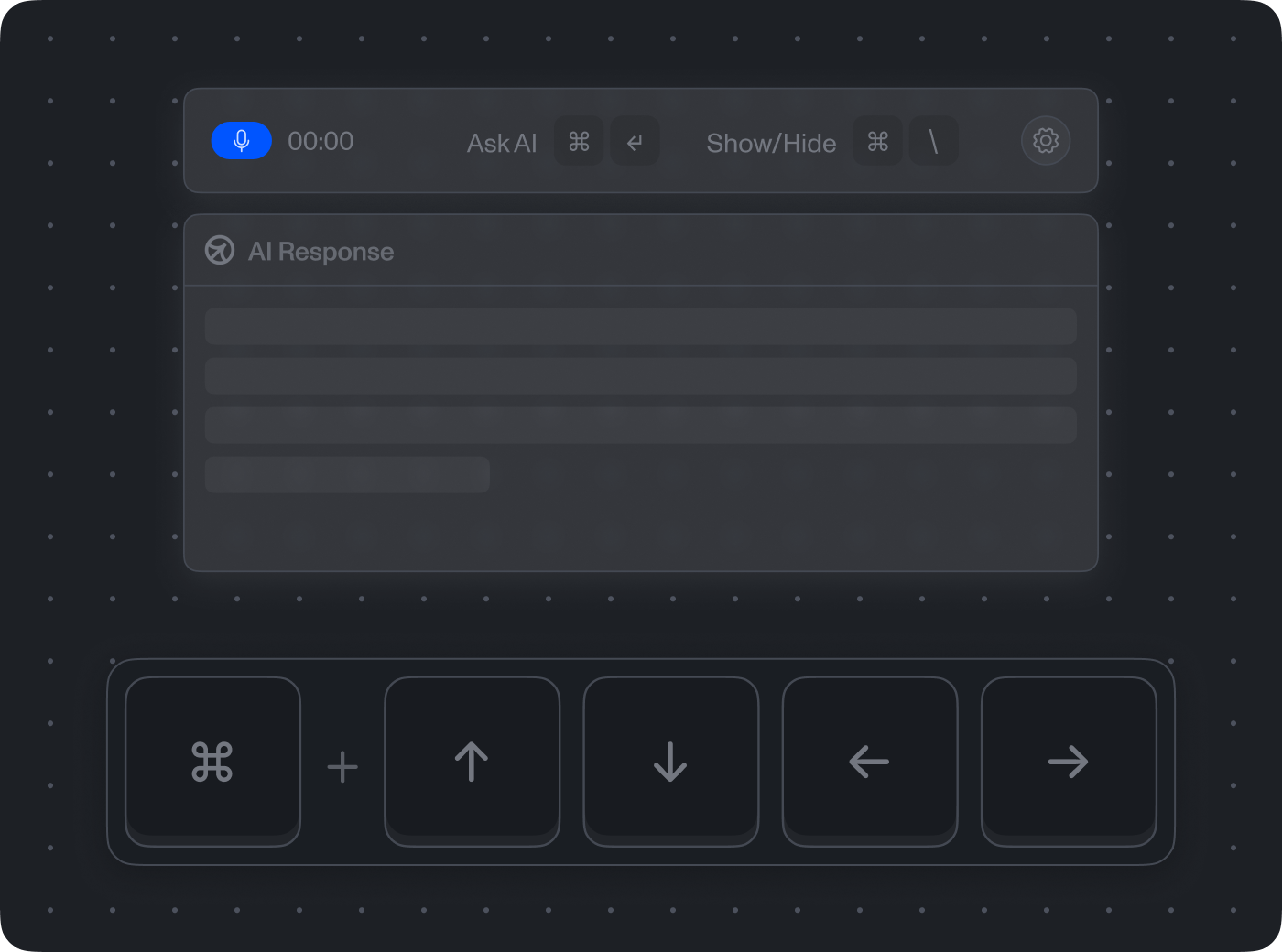
Cluely and ScreenApp do different jobs. Cluely is an in-call assistant: it runs as a private overlay on your desktop and gives you answers, notes and follow-up points in a private overlay while the call is running. It never joins the meeting as a bot participant and is designed to stay out of screen shares and meeting recordings. Cluely markets this as undetectable, and it sells it for job interviews as well as meetings.
ScreenApp is the opposite by design. It is a visible recorder: the bot shows up in the participant list, and the AI work happens on the recording after the call. If you want covert answers fed to you during an interview or a meeting, ScreenApp does not do that and will not. If you want an open record of the call and good notes from it, read on.
Cluely or ScreenApp: which fits
Sources, checked 2026-09-18: Cluely, Cluely undetectability page, ScreenApp meeting bot repository, ScreenApp desktop apps, ScreenApp Chrome extension, ScreenApp mobile apps, Cluely pricing, ScreenApp pricing
Pick Cluely if you want prompts and answers on screen during the conversation itself. ScreenApp’s live transcript while recording (beta) shows the words as they are spoken, but it does not suggest what to say.
Pick ScreenApp if everyone on the call should know it is being recorded, you want the video and the screen as well as the audio, or you want to search, chat with and export past recordings. ScreenApp also has an MCP connector that lets Claude, ChatGPT and other assistants that support the Model Context Protocol search and read your recordings.
Cluely details are from Cluely’s own homepage, undetectability page and pricing page, checked 18 September 2026. Prices are in US dollars and can change, so check the pricing page before you buy.
If you are thinking of hidden AI help in an interview or assessment, check the rules first. Recording a call without consent is also illegal in many places. That is part of why ScreenApp stays visible.
What follows is what ScreenApp does, so you can decide whether it covers the job you were trying to solve.
How ScreenApp handles a meeting
ScreenApp has a meeting bot for Zoom, Google Meet and Microsoft Teams, with Google Calendar and Microsoft Calendar connections so it can join scheduled calls automatically. The bot is visible in the participant list. Everyone on the call can see it is there.
You can also record without a bot: ScreenApp captures screen, window, browser tab, microphone and camera, with system audio from the Mac (Apple silicon) and Windows apps, the Chrome extension that records tab, screen, mic and camera or the iOS and Android apps. There is live transcript while recording (beta).
What you get afterwards
- Speakers: speaker identification, and you can click a speaker label to rename it, match it to a team member, or reassign a single segment
- Action items: action items with an owner and deadline, and decisions listed separately
- AI templates and documents, 21 built in, including meeting minutes and follow-up email drafts
- Chapters: chapters with timestamps
- AI chat with any recording, and one AI chat that searches and answers from every recording in your library, or a single folder
- Search: search across recordings by name or transcript
- Exports in PDF, DOCX, TXT, SRT and VTT
Transcription covers 100+ languages, with speaker diarization on 25 of them. ScreenApp’s accuracy page reports 95.8% on English studio audio, from ScreenApp’s April 2026 test, run before xAI Grok Speech-to-Text became the default transcription provider. Conference audio and field recordings score lower. This is ScreenApp’s own testing, not a third-party benchmark, and no head-to-head test against another tool has been run for this page. Note that overlapping speech can confuse the diarization system.
Privacy and security
ScreenApp holds SOC 2 Type 2 and encrypts data with AES-256. Your recordings and content are not used to train AI models.
Recording anyone requires their consent in many places. Check the rules that apply to you before you record a call; they vary by country and by state.
Pricing
Free includes 2 transcriptions of recordings up to 45 minutes each and 3 uploads to try, plus 10 AI chats per month. No card to sign up.
Pro is $19 a month billed annually ($228 a year) or $30 billed monthly, with recordings up to 2 hours, 50 transcriptions a month and 50 AI chats a month.
Max is $34 a month billed annually ($408 a year) or $69 billed monthly, with recordings up to 3 hours. AI chats on Max are Unlimited.
Enterprise is sales-led, from $199 a month. The 7-day trial is on annual Pro and Max plans and needs a credit card to start.
FAQ
Can other people on the call tell ScreenApp is recording?
Yes. The meeting bot appears in the participant list, and platforms like Zoom, Google Meet and Teams show their own recording indicators.
Does ScreenApp give prompts during the call?
No. There is live transcript while recording (beta), but ScreenApp does not feed you answers mid-conversation. The AI work happens on the recording afterwards.
Is my meeting data used to train AI?
No. ScreenApp’s privacy policy states recordings and content are not used to train AI models.