

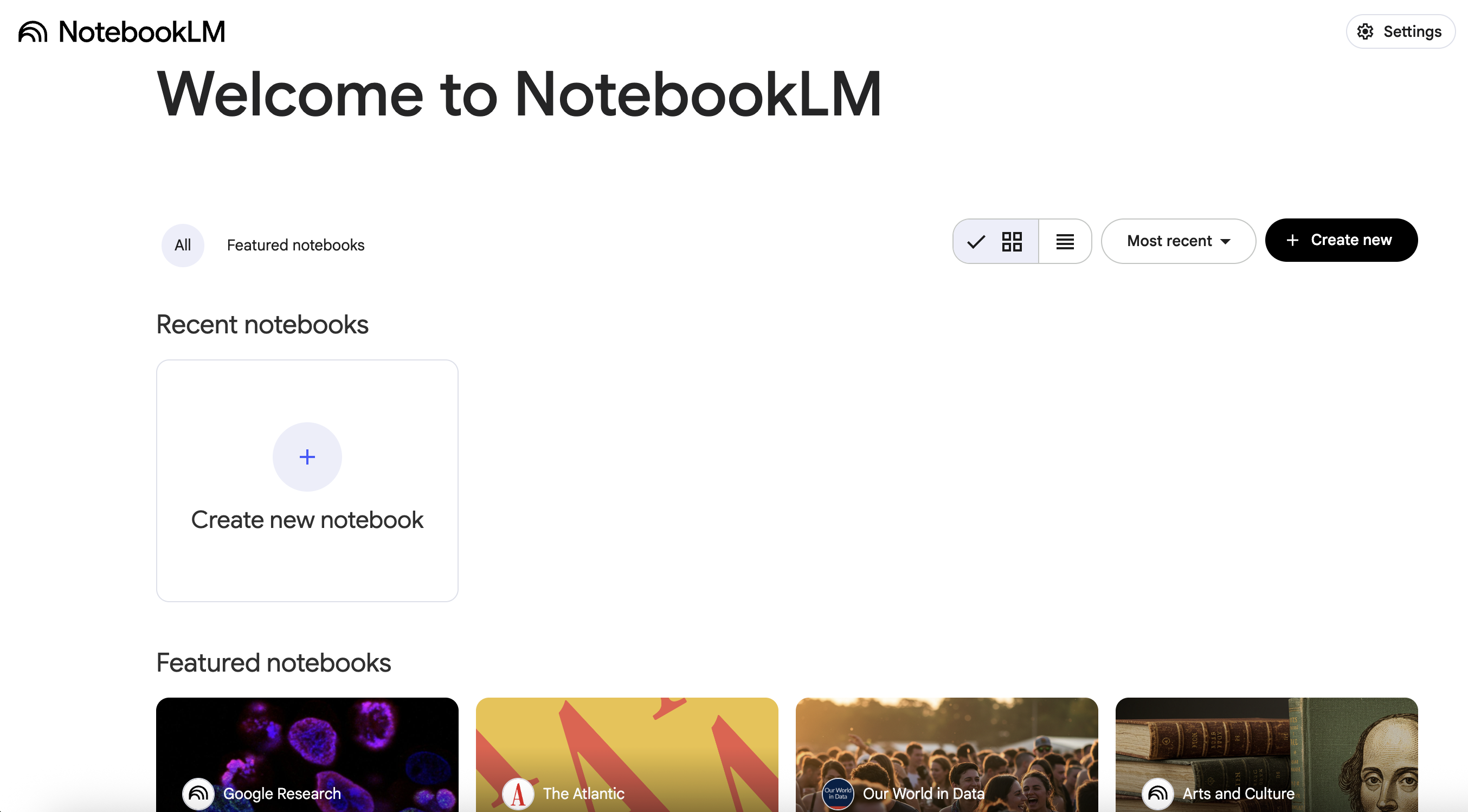
Google renamed NotebookLM to Gemini Notebook on 16 July 2026. It is the same standalone product, and old NotebookLM links redirect to the new name. We use “NotebookLM” on this page because that is still the name most people search for. Source: Google Workspace Updates, “NotebookLM is now Gemini Notebook”.
NotebookLM and ScreenApp are not competing for the same job. NotebookLM answers questions about sources you upload. ScreenApp makes the recording in the first place, then transcribes and works on it. NotebookLM does accept audio files such as MP3 and WAV, and public YouTube URLs, so a meeting recording you already have can go in as a source. What it cannot do is record a meeting or join a call. This page sets out the published limits for each.
NotebookLM free limits
NotebookLM needs a Google account. On the free tier you get 50 sources per notebook, with each source capped at 500,000 words or 200 MB per uploaded file. You get 50 chat queries a day and 3 Audio Overviews a day.
An Audio Overview is a deep-dive discussion between two AI hosts that summarizes the key topics in your sources, playable as one audio track.
Sources can be PDF, Word (DOCX), text, Markdown, CSV, PowerPoint, Google Docs, Slides and Sheets, web URLs, images and copied text, as well as audio files such as MP3 and WAV, and public YouTube URLs.
All NotebookLM figures are from Google’s own support pages, checked 18 September 2026: Add or discover new sources for your notebook, Upgrade Gemini Notebook and Audio Overviews.
What ScreenApp records
ScreenApp captures screen, window, browser tab, microphone and camera, with system audio. There is a meeting bot for Zoom, Google Meet and Microsoft Teams, with Google Calendar and Microsoft Calendar so it joins scheduled calls. Recording works from the Mac (Apple silicon) and Windows apps, the Chrome extension that records tab, screen, mic and camera and the iOS and Android apps. The mobile apps record voice and audio, not the phone screen, and ScreenApp records offline on iOS and Android, uploading when the connection returns.
You can also bring in material you already have. ScreenApp imports YouTube, Vimeo and direct media links and YouTube, Vimeo, TikTok, Instagram, Facebook and most other public video links (Twitch, Loom, Dropbox, Google Drive, Pinterest, X, Threads, Douyin, Kuaishou, Bilibili) through a generic importer. Uploads have no set file size limit, and bulk upload of multiple files is supported.
Chatting with your material
This is where the two overlap most. ScreenApp has AI chat with any recording, plus one AI chat that searches and answers from every recording in your library, or a single folder. Documents are handled too: PDFs and office documents are converted so they can be read and chatted with, the same as a recording.
ScreenApp’s free plan allows 10 AI chats a month, Pro 50 a month and Max Unlimited. NotebookLM’s free tier allows 50 queries a day, so on chat volume alone NotebookLM’s free tier is the more generous of the two.
What ScreenApp does that a document tool cannot
- AI reads video frames, not just the audio, so slides and demos are part of what the AI reads
- Speakers: speaker identification, and you can click a speaker label to rename it, match it to a team member, or reassign a single segment
- Action items: action items with an owner and deadline, and decisions listed separately
- Chapters: chapters with timestamps
- Playback sync: clicking a moment in the transcript jumps the player to that point in the recording
- AI templates and documents, 21 built in
- Exports in PDF, DOCX, TXT, SRT and VTT
Transcription covers 100+ languages and the language is detected automatically per file. ScreenApp reports up to 95.8% transcription accuracy on clear English audio in our April 2026 test. That test ran before xAI Grok Speech-to-Text became our default transcription provider, so current results may differ. See the methodology and limitations. Conference audio and field recordings score lower. This is ScreenApp’s own testing, not a third-party benchmark, and no head-to-head test against another tool has been run for this page.
Pricing
NotebookLM has a free tier with the limits above. Google’s paid AI plan, Google AI Pro, is $19.99 a month (checked 12 September 2026) and raises those limits.
ScreenApp Free includes 2 transcriptions of recordings up to 45 minutes each and 3 uploads to try, plus 10 AI chats per month, with no card required.
Pro is $19 a month billed annually ($228 a year) or $30 billed monthly, with recordings up to 2 hours. Max is $34 a month billed annually ($408 a year) or $69 billed monthly, with recordings up to 3 hours. Enterprise is sales-led, from $199 a month. The trial runs 7 days and needs a credit card.
Which one
Pick NotebookLM if
- Your material already exists as PDFs, documents, web pages or YouTube videos and you want to ask questions across all of it.
- You want 50 chat queries a day for free. ScreenApp’s free plan has 10 AI chats a month.
- You want Audio Overviews, which ScreenApp does not make.
- You already have an audio file of the meeting. NotebookLM accepts audio files such as MP3 and WAV, and public YouTube URLs.
Pick ScreenApp if
- The meeting, call or demo has not been recorded yet. NotebookLM cannot record or join a call; ScreenApp has a meeting bot for Zoom, Google Meet and Microsoft Teams and bot-free recording.
- You need screen recording, speaker labels, chapters or playback synced to the transcript.
- You want the video itself analysed: AI reads video frames, not just the audio.
The two can sit side by side: export a ScreenApp transcript as a PDF or DOCX and upload it to NotebookLM as a source.
FAQ
Can NotebookLM record a meeting?
No. It accepts audio files such as MP3 and WAV, and public YouTube URLs, so you can upload a recording you already have. It cannot record a meeting, join a call or capture your screen. For live capture you need a recorder. Google’s source types page lists what it accepts today.
How many sources can a free NotebookLM notebook hold?
50, each up to 500,000 words or 200 MB per uploaded file (Google support, checked 18 September 2026).
Can I feed ScreenApp output into NotebookLM?
Yes. ScreenApp exports PDF, DOCX, TXT, SRT and VTT, and PDF and DOCX are accepted NotebookLM source types.
Is my ScreenApp data used to train AI?
No. ScreenApp’s privacy policy states recordings and content are not used to train AI models. ScreenApp holds SOC 2 Type 2 and encrypts data with AES-256.