Best News Apps and Unbiased News Sources for 2026

On this page
Ask ChatGPT for today’s headlines and you get a polite shrug. It has no live feed, no push alerts, and no read on which source you trust. A good news app does all three, and the right one pushes a breaking story to your lock screen seconds after it lands.
The harder problem is trust, not speed. Most feeds bury a straight wire report under ten opinion pieces, and your social timeline is worse. So this guide does two jobs: it ranks the best news apps for iPhone and Android, and it names the most unbiased news sources worth reading inside them. If you watch a lot of video news, trust matters even more, because clips tend to drop the context a written wire story keeps.
Quick opinion before the list. If you install only one, make it Google News on Android or Apple News on iPhone, then add Reuters or AP for the facts. The rest of this covers the best news app for iPhone, a solid news app for Android, the news aggregator options, and how to read bias so one feed does not quietly pick your worldview for you.
Quick Picks
- Google News. Best for AI personalization. Free, cross-platform.
- Apple News. Best for Apple ecosystem. Freemium (News+ $12.99/mo).
- Reuters. Best for unbiased global news. Free.
At a Glance: Top News Apps Compared
| App | Best For | Platform | Price |
|---|---|---|---|
| Google News | AI Personalization | Cross-platform | Free |
| Apple News | Apple Ecosystem | iOS / macOS | Free / $12.99/mo |
| Reuters | Unbiased Global News | Cross-platform | Free |
| The Guardian | In-depth Journalism | Cross-platform | Free (donations) |
| Visual Magazine Style | Cross-platform | Free | |
| Feedly | Power User (RSS) | Cross-platform | Free / $6-18/mo |
Our Review Criteria
We judged each app on five things that actually matter day to day:
Quality of Sources
Does it pull from reputable publishers and real journalism, not content farms.
Interface and Reading Experience
Is it clean and fast to read, or does it bury the story under ads and clutter.
Personalization and Curation
How well the algorithm or editors surface stories you actually want without trapping you in a bubble.
Objectivity and Bias Tools
Does it help you see different viewpoints or check a source, instead of hiding the slant.
Features and Customization
Offline reading, alerts you control, and sync across your devices.
According to the 2024 Digital News Report by the Reuters Institute, more people are selectively avoiding news altogether, which makes a clean, well-curated app worth more than it used to be.
The Most Unbiased News Sources
If your real question is “which news source is the least biased,” the honest answer is the wire services. The Associated Press and Reuters sell the same factual report to outlets on every side of politics, so they have a commercial reason to stay neutral. Read either one and you mostly get what happened, not how to feel about it. The trade-off is that both are dry, with little analysis or opinion.
For spotting bias instead of avoiding it, Ground News is the one tool here we would not skip. Give it a story and it shows you who covered it on the left, the center, and the right, plus which side ignored it. That blind-spot view beats any “unbiased” label, because you judge the framing yourself instead of trusting a badge.
So our rule is simple. Get the facts from AP or Reuters. When a headline feels slanted, open the same story in Ground News and see who is spinning it.
Top News Aggregator Apps
1. Google News: Best for AI-Powered Personalization
Google News
Key Features:
- "Full Coverage" feature shows multiple perspectives on a single story
- Deep integration with your Google account for personalization
- Clean, simple interface that prioritizes readability
- Excellent local news coverage
- Free with no paywalls or subscriptions
Pros
- Powerful AI-driven personalization
- Excellent "Full Coverage" feature for balanced views
- Free and ad-light
- Strong local news integration
- Available on all platforms
Cons
- Relies heavily on algorithms, less human curation
- Can create a "filter bubble" if not managed
- Interface is functional but less stylish than others
2. Apple News: Best for iPhone and Mac Users
Apple News
Key Features:
- Works across iOS, iPadOS, and macOS without setup
- Beautifully designed interface with rich media
- Mix of algorithmic and human curation
- Strong privacy focus
- Apple News+ offers access to paywalled content (paid)
Pros
- Clean, native interface
- Good blend of human and AI curation
- Strong privacy protections
- Syncs across Apple devices
- Decent selection of free sources
Cons
- Only available on Apple devices
- The best content is locked behind the Apple News+ paywall
- Less customizable than other aggregators
3. Flipboard: Best for a Visual, Magazine-Style Experience
Key Features:
- Unique "flip" animation and magazine-style layout
- Ability to create and share your own magazines
- Integrates news, blogs, and social media updates
- "For You" feed learns your preferences
- Available on web and mobile platforms
Pros
- Highly engaging and beautiful visual interface
- Excellent for content discovery
- Combines news with niche interests and social media
- Powerful customization through Smart Magazines
Cons
- Can feel slower and heavier than text-focused apps
- The focus on visuals can sometimes overshadow the content
- Contains ads
Top Apps from Single News Sources
4. Reuters: Best for Unbiased, Factual Global Reporting
Reuters
Key Features:
- Direct access to global news as it breaks
- Clean, ad-free interface focused on content
- Strong coverage of financial and business news
- "Editor's Highlights" for curated top stories
- Offline reading and dark mode
Pros
- Trusted for objectivity and accuracy
- Fast updates for breaking world news
- Free and ad-free
- Excellent market and financial data
- Clean, professional interface
Cons
- Lacks the deep analysis or opinion pieces of other outlets
- Can be dry for readers seeking feature stories
- Limited personalization options
5. The Guardian: Best for In-Depth, Progressive Journalism
The Guardian
Key Features:
- Access to all of The Guardian's content for free
- "Discover" tab for finding features, opinion, and long-reads
- Customizable live alerts for breaking news
- Offline reading capabilities
- Supports reader contributions to maintain its independence
Pros
- High-quality, in-depth investigative journalism
- No paywall for any content
- Excellent opinion and analysis sections
- Beautiful design and great user experience
- Strong offline reading support
Cons
- Frequent contribution requests can be distracting
- Presents a distinct, left-leaning editorial viewpoint
- Fewer customization options than aggregators
Top App for Custom Feeds (RSS)
6. Feedly: Best for Power Users and Custom RSS Feeds
Feedly
Key Features:
- Follow any RSS-enabled source (websites, blogs, newsletters)
- AI Assistant "Leo" to prioritize topics and mute noise (Pro feature)
- Integrations with productivity apps like Pocket, Evernote, and OneNote
- Multiple layout options (magazine, cards, text-only)
- Keyword and brand monitoring
Pros
- Complete control over your news sources
- Clean, minimalist, and ad-free reading experience
- Powerful organization with folders and boards
- Excellent integrations with other services
- Available on all platforms, syncs cleanly
Cons
- Requires initial setup to find and add sources
- No algorithmic discovery of new sources
- The most powerful features (like AI assistant "Leo") require a paid subscription
- Can be complex for casual users
How to Build a Better, Healthier News Diet
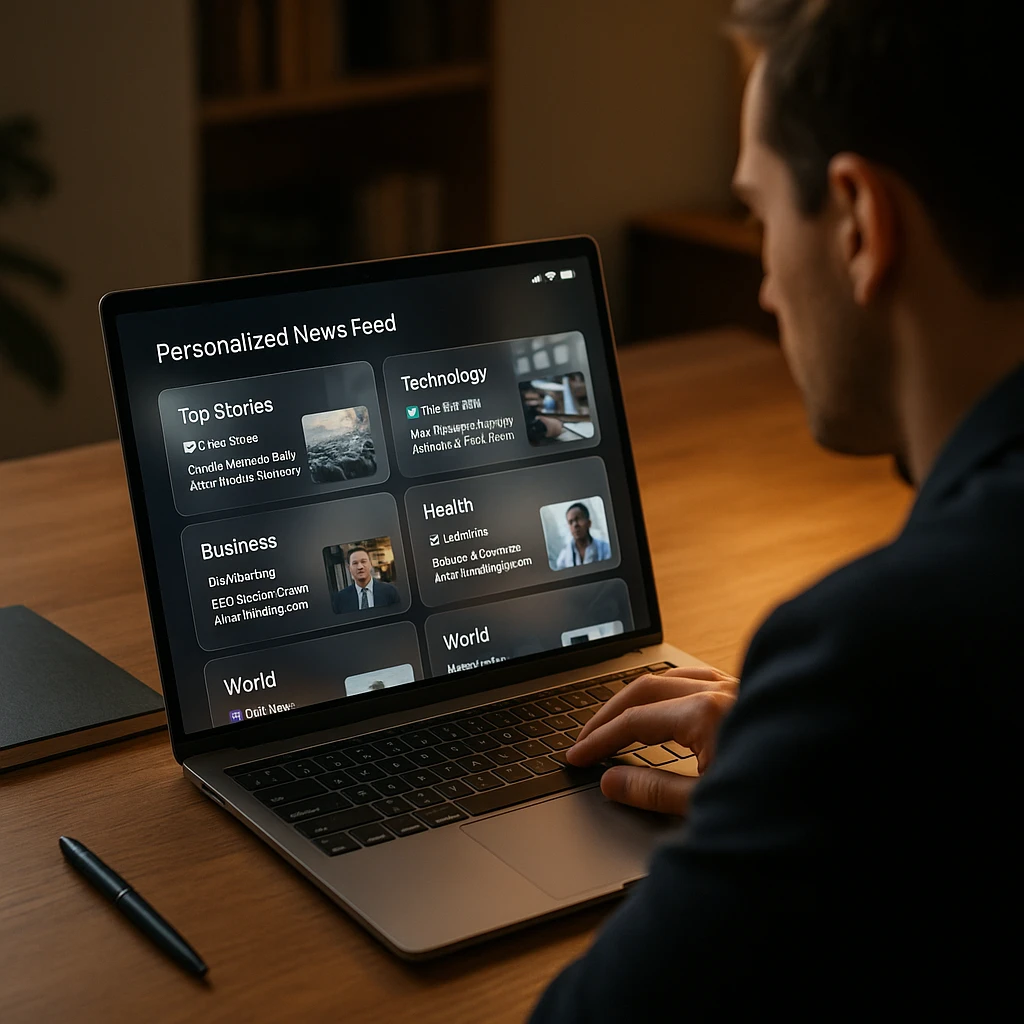
A great app is only half the battle. Use these tips to combat information overload and create a more balanced news habit. For remote workers and distributed teams, staying informed is especially important, so check out these communication tools that help teams stay updated without overwhelming their workflows.
- Be Wary of the “For You” Page: While useful, personalized feeds can create a filter bubble. Make a habit of checking the main headlines or an unbiased source like Reuters or AP to see what you might be missing.
- Use Alerts Wisely: Turn on push notifications only for truly essential breaking news from a reliable source. Constant alerts contribute significantly to news fatigue.
- Diversify Your Sources: Don’t rely on a single app or viewpoint. Use an aggregator like Google News to see different perspectives, or supplement your main app with an RSS reader like Feedly to follow specific journalists or niche blogs.
- Schedule Deep Dives: Set aside specific times to read long-form articles. This prevents mindless scrolling and encourages deeper engagement with important topics. Consider using a calendar app to block dedicated time for news consumption, just like you would for important meetings.
When watching video news reports or documentaries within these apps, it can be hard to capture key quotes or data. ScreenApp’s AI Video Watcher can transcribe video content, while our transcript summarizer helps distill lengthy news broadcasts into key points. For audio news content like podcasts or radio shows, Audio Ask AI lets you ask specific questions about what you’ve heard, making fact-checking and research much more efficient.
Which one should you actually install
Short version: install Google News on Android or Apple News on iPhone for your daily feed. Both are free and both are good at it. Add Reuters or AP for the facts when a story is moving fast, and keep Ground News around for the days a headline smells one-sided. Feedly is worth the setup only if you already know the exact sources you want to follow.
Then do the boring part that actually helps: pick one, use it for a week, and turn off every push notification except real breaking news. The app matters less than the habit. If you track a lot of sources for work, these AI virtual assistant tools can help you keep the noise down.
FAQ
What is the most unbiased news app?
For raw, factual reporting with minimal bias, news agency apps are the best choice. Reuters and The Associated Press (AP) are globally recognized for their commitment to objectivity. For users wanting to compare biases, Ground News is an excellent tool that shows you which political viewpoints (left, center, right) are covering a story.
What is the difference between a news aggregator and an RSS reader?
They are similar but serve different needs: - A News Aggregator (like Google or Apple News) uses algorithms and editors to automatically pull stories from thousands of sources into a curated feed for you. It's best for passive discovery. - An RSS Reader (like Feedly or Inoreader) only shows you content from the specific sources (websites, blogs, etc.) you manually subscribe to. It gives you 100% control over your feed and is best for power users who know exactly what they want to follow.
Which is better: Google News or Apple News?
The Apple News vs Google News debate comes down to your priorities: - Choose Apple News if you are in the Apple ecosystem and value a beautiful, human-curated, magazine-like experience. - Choose Google News if you want a powerful AI-driven aggregator that works on any platform and excels at showing you multiple sides of the same story.
How can I get local news on my phone?
Many of the best news apps have strong local news sections. Google News and Apple News both use your location to surface relevant local stories. Another excellent option is NewsBreak, an app specifically dedicated to providing hyperlocal news, weather, and alerts.