
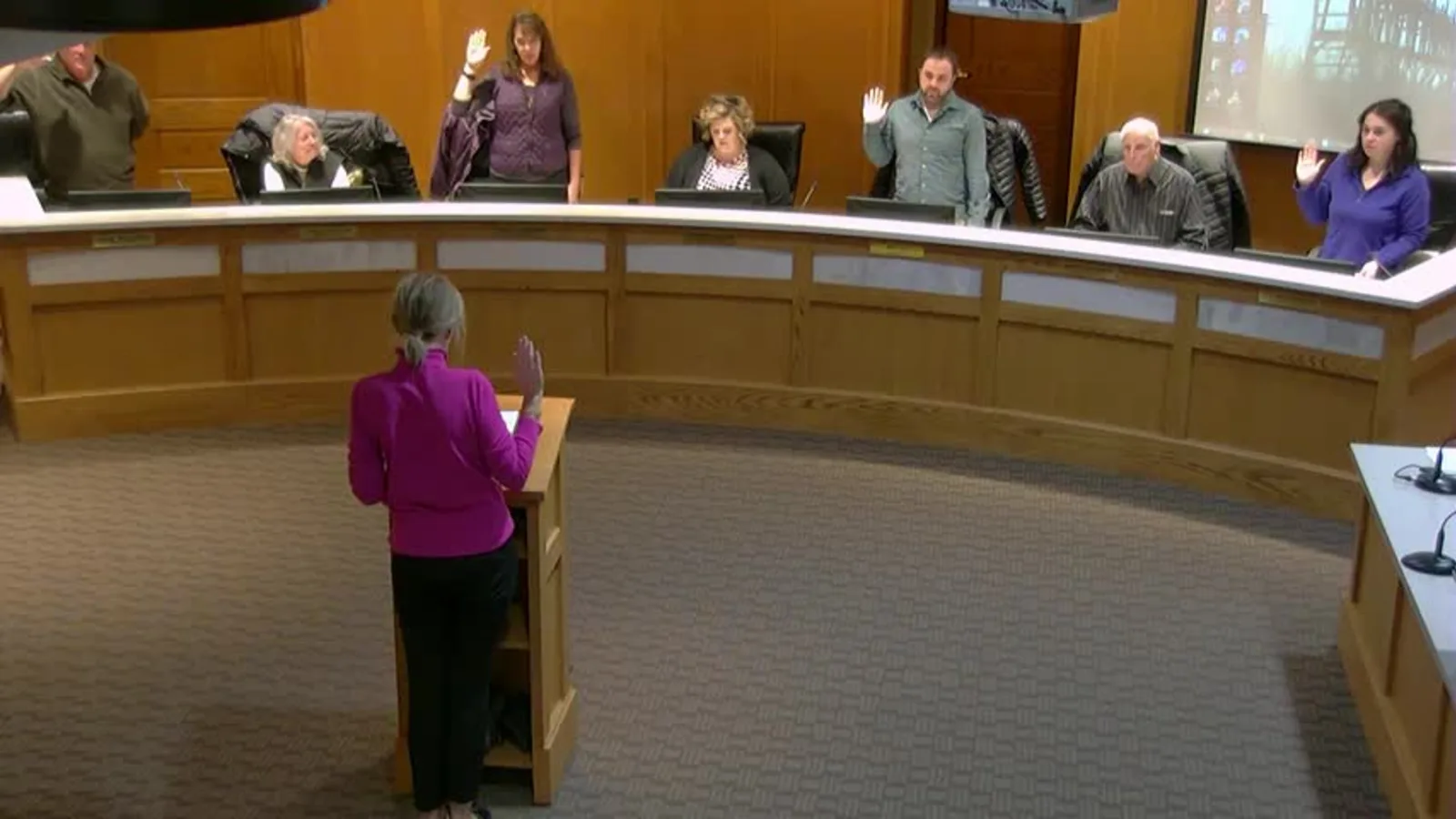
Transcribe a Deposition, Get a Draft Transcript
Upload a video or audio recording of a deposition, or paste a link, and ScreenApp turns the testimony into a text transcript with speaker labels and timestamps. This is an AI draft transcript for review and case prep, not a certified transcript for the court record: a certified court reporter still needs to prepare and certify the official transcript.
You get a working transcript you can search, highlight, and question instead of scrubbing back through hours of footage to find one exchange.
What you get:
- A transcript with speaker identification, in 100+ languages
- AI chat with any recording, so you can ask what a witness said about a specific topic instead of rereading the whole transcript
- search across recordings by name or transcript
- Export as PDF, DOCX, TXT, SRT and VTT
- team workspaces and share links, so co-counsel and paralegals can read the transcript without re-uploading the recording
- Free plan: 2 transcriptions of recordings up to 45 minutes each, with AI chat on both
How to Transcribe a Deposition
- Upload or paste a link: Drag in a recording (MP4, M4V, MOV, AVI, WEBM, MKV, FLV, TS, MTS, M2TS, 3GP, 3GPP, 3G2, WMV, ASF, VOB, OGV, RM, RMVB, MPG, MPEG, M2V, F4V, MXF) from your deposition platform or file storage, or paste a link. No account setup is needed to start.
- Let it transcribe: The recording is converted to text, speakers are separated, and every sentence gets a timestamp linking it back to the moment in the video or audio.
- Review the draft: Read the transcript in the browser, correct anything the AI got wrong, and tag key testimony for trial prep. Treat it as a review copy, not the certified record.
Accuracy depends on the audio. A clean single-microphone feed with witness and attorney speaking one at a time transcribes best; cross-talk, a distant microphone, or a poor remote-deposition connection will have more gaps. See how we measure accuracy.
Deposition Transcription vs Other Services
| ScreenApp | Rev | Ditto Transcripts | |
|---|---|---|---|
| Transcription type | AI draft | AI draft or human, priced separately | Human transcriptionists |
| Turnaround | Minutes after upload | 24 hours to 14 days | 3 to 5 business days (standard tier) |
| Price | Free plan: 2 transcriptions, up to 45 min each; Pro $19/month annual | $25.49/mo (AI, billed annually) or $1.99/min (human) | $1.75/min (standard tier) |
| Speaker labels | speaker identification | Not stated | Not stated |
| Accuracy claim | 95.8% (April 2026 test, clear English audio) | Not stated | 99% accuracy guarantee |
| Certified transcript for the court record | Not offered | Not stated | Not stated |
| Export formats | PDF, DOCX, TXT, SRT and VTT | Not stated | Not stated |
Sources, checked 2026-10-01: Transcription accuracy and languages, ScreenApp pricing, rev.com/blog/deposition-transcript, dittotranscripts.com/legal-transcription-services/deposition-transcription-services/, Rev pricing
- vs Rev: Rev’s own blog puts deposition transcript turnaround at 24 hours to 14 days, and Rev charges $25.49 a month (billed annually) for its AI transcripts or $1.99 per minute for a human transcript. ScreenApp’s plans include AI transcription without a per-minute charge, though neither service certifies the transcript for you.
- vs Ditto Transcripts: Ditto’s standard turnaround is 3 to 5 business days at $1.75 per minute, using human transcriptionists rather than AI. ScreenApp transcribes with AI so your team has a review copy while the certified transcript is still being prepared.
Who Uses Deposition Transcription
Litigation paralegals turn a video deposition into a searchable transcript the same day, so the attorney can find a specific answer without watching the whole recording again.
Trial attorneys pull quotes and flag inconsistent testimony while prepping for trial, then jump to the exact timestamp in the video when it’s time to build an impeachment clip.
In-house counsel who cannot sit in on every remote deposition review a transcript afterward instead of blocking out the calendar for the full session.
Court reporting firms and their staff use an AI draft as a fast first pass on a backlog of recordings, then apply their own certification process on top of it.
Insurance defense teams transcribe recorded statements and depositions across a caseload of claims, then search across all of them for a phrase a witness used.
Legal videographers working remote or multi-camera depositions get a transcript synced to the recording without a separate manual step.