Einstein AI vs ScreenApp: Best Free AI Lecture Note Taker (2026)


On this page
Search “best AI lecture note taker” and you hit the same wall I did: everyone swears by something different. Two names come up more than the rest. Einstein AI, the mobile app built on the Feynman technique (also sold as Feynman AI), and ScreenApp, the web tool that turns any video into notes. Same goal, opposite approaches. Which is exactly why choosing one is a headache.
This comparison is based on each product’s published features, platforms and pricing, not a lab test. Here is the short version. ScreenApp wins if you study from online or recorded video and want to test the whole workflow on a free plan without handing over a card. Einstein AI wins if you record in-person classes on your phone and want quizzes built for you afterward. The rest of this compares them on what students actually type into Google: transcription accuracy, YouTube support, pricing, and privacy.
And the stakes are not small. According to Statista, the global AI in education market is projected to reach $20.5 billion by 2027, with note-taking and transcription tools leading how students adopt it.
For more, see our best AI transcription tools roundup, our walkthrough on recording lectures and turning them into text, and our guide to AI meeting assistants for Teams.
Try ScreenApp's AI note taker free
ScreenApp handles what Einstein AI cannot. Paste any YouTube URL, upload a video, or record your screen, and get instant AI transcription, summaries, and searchable notes.
- Works with any video source (YouTube, Zoom, uploaded files)
- Free transcription and AI summaries, no subscription to start
- Action items and speaker labels, not just a wall of text
- A transcript archive you can actually search later
Quick picks
Best for online and recorded lectures. Free plan, works with any video source, and no constant upsell.
Best for recording in-person classes on your phone. Feynman-technique app with quizzes. Most features need a subscription.
Do You Need an AI Lecture Note Taker?
Traditional note-taking can’t keep up with fast-talking professors and complex terminology. Three factors are driving the shift to AI-powered lecture tools:
Lecture speed vs writing speed: Professors speak at 150-200 words per minute while students write 30-40 words per minute. AI transcription captures the whole lecture, so you lose the “did I miss that?” panic.
Multimodal learning: Students consume lectures across platforms (Zoom recordings, YouTube tutorials, uploaded video files, live in-person classes). AI tools that handle all formats win over single-purpose apps.
Privacy matters: Students are uploading sensitive academic content. Tools that process locally or with clear data policies outperform those with vague privacy terms and aggressive upsells to “premium” features.
Feature-by-Feature Comparison
Einstein AI: Detailed Review
Einstein AI (also marketed as Feynman AI) is a mobile app designed around the Feynman learning technique, where you learn by explaining concepts in simple terms. It creates notes, mind maps, quizzes, and flashcards from recorded lectures, PDFs, and audio files.
Type: Mobile app (iOS, Android) | Price: Free trial, subscription for full features
Pros
Feynman technique built in, quiz and flashcard generation, works offline, mind maps, clean mobile interface.
Cons
Mobile only, subscription for most features, no direct YouTube or URL import, smaller feature set, unclear pricing tiers.
What it does well
Einstein AI's strength is its educational focus. The Feynman technique forces you to simplify complex ideas, which research shows improves retention. It auto-generates quizzes and flashcards, so studying after a lecture is less work, and the mobile interface is clean and made for learning on the go.
Where it falls short
You are limited to what you can upload or record inside the app. No pasting a YouTube lecture URL, no importing a Zoom recording link. For pre-recorded online lectures, that means downloading the file first, then uploading it, which adds friction. The subscription also gates most of the useful features behind a paywall.
ScreenApp: Detailed Review
ScreenApp is a web-based AI transcription and note-taking tool that works with any video source. Paste a YouTube URL, upload a file, or record your screen, and get instant AI-generated notes, summaries, and searchable transcripts.
Type: Web app (no install needed) | Price: Free plan (no card required), $19/mo Pro
Pros
Any video source (YouTube, Vimeo, uploads, screen recordings), free transcription, no upsell pressure, privacy-focused, AI summaries and action items, searchable transcripts, works on any device.
Cons
No mobile app (web only), no offline mode, no automatic quiz generation, needs an internet connection.
What it does well
Flexibility is the big one. Transcribe a YouTube lecture by pasting the URL, record a live Zoom class with screen recording, or upload an MP4 from your phone. The free plan gives you real transcription and AI summaries with no subscription, capped at 2 transcriptions of recordings up to 45 minutes each and 3 uploads. Privacy is plain: your content is not resold or used to train AI models.
Where it falls short
There is no native mobile app, so on a phone you are in a browser. It works, but it is not as polished as Einstein AI's app. It also does not auto-generate quizzes or flashcards, though the AI chatbot will answer questions about your content if you ask.
Which Tool for Which Student
| Your situation | Winner | Why |
|---|---|---|
| Watching YouTube lectures and online courses | ScreenApp | Paste the URL and get notes. Einstein AI needs the file downloaded first. |
| Recording in-person classes on your phone | Einstein AI | Mobile app plus offline mode for lecture halls with no Wi-Fi. |
| You want quizzes and flashcards | Einstein AI | Auto-generates study materials with the Feynman technique. |
| Transcribing meetings and webinars | ScreenApp | One click on Zoom, Teams, or Google Meet recordings. |
| On a tight budget | ScreenApp | Free plan covers 2 transcriptions, no subscription. |
| Privacy matters most | ScreenApp | Transparent data policy with no reselling. |
Pricing Breakdown
Einstein AI
- Free trial with limited features
- Subscription for full access (pricing varies by region and promo)
- Charges apply for AI processing, note generation, and quizzes
ScreenApp
- Free plan with 2 transcriptions of recordings up to 45 minutes each and 3 uploads and 10 AI chats a month, no card required
- Pro at $19/month billed annually ($30/month billed monthly) for recordings up to 2 hours and higher monthly limits
- No hidden fees, no upsell pressure
The free plan is enough to run one lecture end to end, transcribe it, summarize it, and search it back. Regular use needs Pro.
Privacy and Data Security
Einstein AI processes content on external servers for AI analysis. The app’s privacy policy isn’t as detailed as larger platforms, and there’s no clear statement about whether transcripts are used to improve AI models.
ScreenApp has a transparent privacy policy: content is processed for transcription and summarization, but not resold or used for AI training. Data is encrypted in transit and at rest.
Record Lectures with ScreenApp
ScreenApp’s lecture AI note-taker handles any video format. No software install needed.
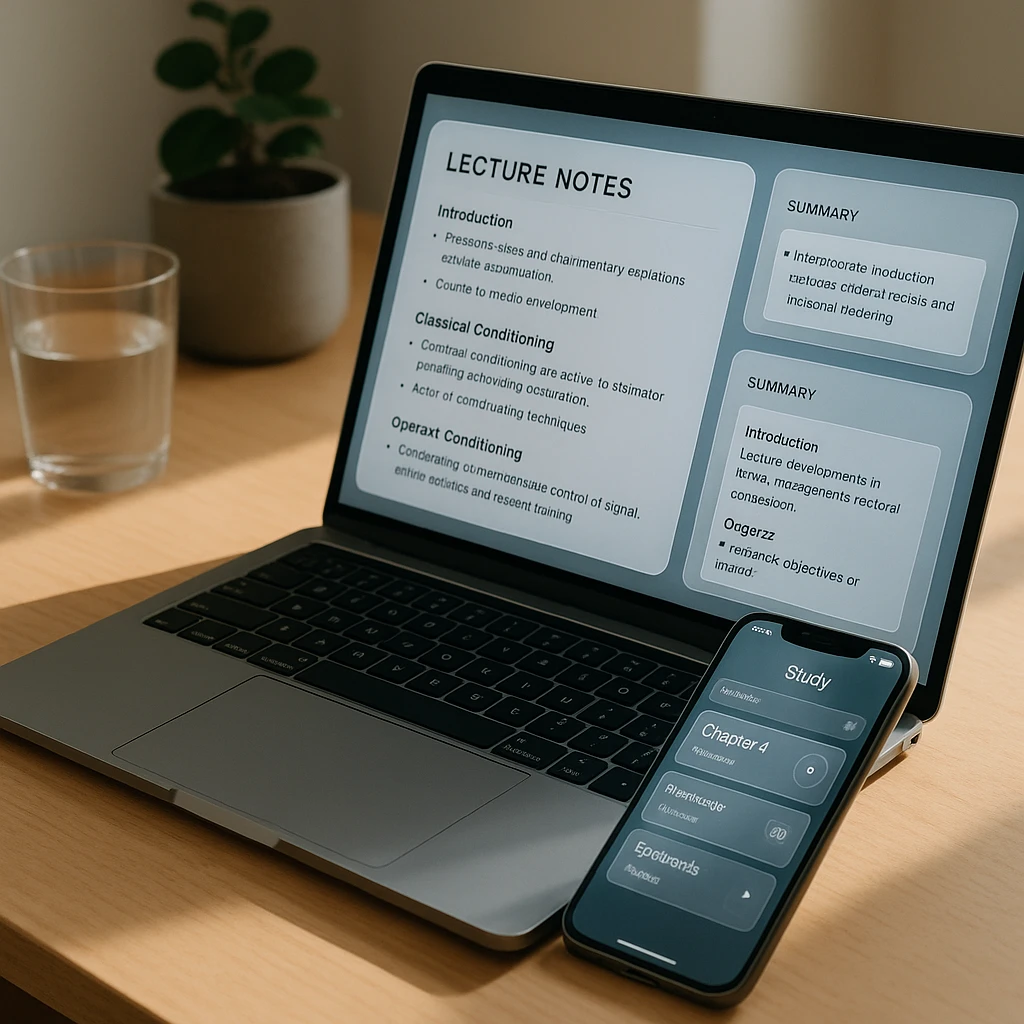
- Paste your lecture URL at screenapp.io/features/lecture-ai-notetaker or upload the file directly.
- Get instant transcription and AI notes. Search the transcript or export as text.
- Optional: Chat with your content. Ask the AI specific questions about the lecture.
Already leaning on AI for study help? Our guide to AI tools that listen and take notes covers what actually works, and what does not.
After You Get Your Notes
- AI Lecture Summarizer: Condense hour-long lectures into 2-minute summaries
- Video to Document: Export full transcripts with timestamps
- AI Meeting Assistant: Automatic action items and follow-ups for recorded meetings
FAQ
What is the best free AI lecture note taker?
For most students, ScreenApp is the stronger free pick in 2026. It transcribes any video source, YouTube, Zoom, or an uploaded file, and the free plan needs no card, then adds AI summaries and searchable notes. Einstein AI is the better free pick only if you record in-person classes on your phone and want quizzes generated automatically.
Is ScreenApp or Einstein AI better for lecture notes?
It depends on how you attend class. ScreenApp is better for online, recorded, and YouTube lectures, because you paste a link and get notes in about a minute. Einstein AI is better for live in-person lectures, because its mobile app records offline and turns the audio into flashcards and quizzes.
What is Einstein AI?
Einstein AI, also marketed as Feynman AI, is a mobile lecture note-taking app for iOS and Android. It records or imports audio, PDFs, and video, then generates notes, mind maps, flashcards, and quizzes using the Feynman learning technique. Most of those features sit behind a subscription.
Is Einstein AI free?
Einstein AI has a free trial with limited features, but full note generation, quizzes, and flashcards need a paid subscription. ScreenApp's free plan includes transcription and AI summaries with no card required, capped at 2 transcriptions and 3 uploads, which is why budget-minded students tend to start there.
Can AI take notes from a video lecture?
Yes. An AI note taker like ScreenApp transcribes a video lecture and builds a structured summary for you. Paste the video URL or upload the file, and you get a full transcript plus key points, action items, and a searchable archive, usually in under a minute.
Can Einstein AI transcribe YouTube videos?
No. Einstein AI requires you to download and upload video files. It doesn't support direct YouTube URL import like ScreenApp does.
Does ScreenApp work on mobile?
Yes, ScreenApp is web-based and works in any mobile browser. There's no native app, but the web version is mobile-responsive.
Which tool is better for students on a budget?
ScreenApp. The free plan covers transcription and AI summaries with no subscription, within its 2 transcriptions cap. Einstein AI needs a subscription for most features.
Can Einstein AI generate quizzes from lecture notes?
Yes. Einstein AI auto-generates quizzes and flashcards using the Feynman learning technique. ScreenApp doesn't have this feature.
Does ScreenApp require software installation?
No. ScreenApp is entirely web-based. Open the site, paste your video URL or upload a file, and start transcribing immediately.
Which tool has better transcription accuracy?
Transcription quality depends on the recording, language and speakers. Check the published test conditions and review the transcript before relying on it. Methodology.
Can I use Einstein AI offline?
Yes. Einstein AI's mobile app supports offline mode for recording and basic note-taking. ScreenApp requires an internet connection. --- Transparency note: We built ScreenApp. We included it because it genuinely won on our scoring rubric for flexibility, pricing, and privacy, but take our rating with that in mind and try Einstein AI too if mobile learning and quiz generation are priorities for you.