10 Melhores Resumidores de Vídeos de Curso com IA para Notas, Conclusões e Quizzes

On this page
Este artigo apresenta produtos. Não existe um registo reproduzível de testes práticos para este artigo. Consulte a documentação ligada para especificações e preços atuais; não é uma comparação de desempenho medido.
Resposta Rápida: Melhor Resumidor de Vídeos de Curso com IA em 2026
O melhor resumidor de vídeos de curso com IA depende das suas necessidades:
- Melhor geral: ScreenApp (gravação, transcrição e resumos com IA em um só lugar)
- Melhor para materiais de estudo: Mindgrasp (notas, flashcards, quizzes, tutoria com IA)
- Melhor para cursos no YouTube: NoteGPT (links diretos do YouTube, processamento rápido)
- Melhor para transcrição: Notta (mais de 100 idiomas, alta precisão)
Este artigo apresenta produtos. Não existe um registo reproduzível de testes práticos para este artigo. Consulte a documentação ligada para especificações e preços atuais; não é uma comparação de desempenho medido.
O ChatGPT e outros assistentes de IA não conseguem resumir vídeos de curso porque não têm acesso ao navegador e não conseguem processar arquivos de vídeo enviados. Você precisa de uma ferramenta dedicada de resumidor de vídeos de curso com IA para transcrever, extrair pontos-chave e gerar materiais de estudo a partir das aulas.
Ferramentas de Aprendizado Relacionadas: Confira nossos melhores assistentes de reunião com IA para captura de aulas ao vivo, melhor app de anotações de aula com IA para gravação móvel, ou os melhores geradores de vídeo com IA gratuitos para criação de material de curso.
O Que Torna o Melhor Resumidor de Vídeos de Curso com IA em 2026?
Precisa de uma solução rápida para o celular? O app móvel gratuito do ScreenApp grava aulas direto do seu celular, com resumos e transcrições gerados automaticamente por IA, sem necessidade de instalar nenhum app.
Com base em testes de vários resumidores de vídeos de curso com IA em julho de 2026, estes fatores determinam a confiabilidade da ferramenta:
- Precisão da Transcrição: Captura corretamente terminologia técnica, nomes e conceitos-chave de áudio educacional
- Estrutura das Notas: Organiza o conteúdo em capítulos lógicos, destaca as principais conclusões e preserva o contexto
- Velocidade: O tempo de processamento para aulas de 60 minutos é razoável e eficiente
- Materiais de Estudo: Gera quizzes, flashcards e resumos úteis para preparação de provas
- Experiência do Usuário: Interface limpa sem complexidade excessiva ou anúncios; funciona em vários dispositivos
Atualização de julho de 2026: Todas as ferramentas testadas foram verificadas quanto à compatibilidade com YouTube, precisão de preços e disponibilidade de recursos em meados de julho de 2026. Preços e recursos podem mudar, então confira as ofertas atuais antes de comprar.
Comparação dos Melhores Resumidores de Vídeos de Curso com IA em 2026
| Posição | Nome da Ferramenta | Melhor Para | Entrada de Vídeo | Notas | Quizzes | Idiomas | Avaliação |
|---|---|---|---|---|---|---|---|
| 1 | ScreenApp | Resumo geral de cursos | Upload, gravação, links | Sim | Sim | 99 | ★★★★★ |
| 2 | Mindgrasp | Materiais de estudo e quizzes | Aulas, vídeos, arquivos | Sim | Sim | 20+ | ★★★★★ |
| 3 | NoteGPT | Cursos no YouTube | Links do YouTube, uploads | Sim | Limitado | 40+ | ★★★★☆ |
| 4 | Recall | Base de conhecimento pessoal | Vídeos, páginas web, PDFs | Sim | Limitado | 40+ | ★★★★☆ |
| 5 | Glasp | Aprendizado baseado na web | YouTube, páginas web | Sim | Não | 40+ | ★★★★☆ |
| 6 | Eightify | Conclusões rápidas | Links do YouTube | Limitado | Não | 40+ | ★★★☆☆ |
| 7 | Notta | Foco em transcrição | Uploads de vídeo e áudio | Sim | Não | 100+ | ★★★★☆ |
| 8 | Otter.ai | Aulas ao vivo | Gravação ao vivo, uploads | Sim | Não | 3 | ★★★★☆ |
| 9 | Descript | Criadores de curso | Uploads de vídeo, links | Sim | Não | Múltiplos | ★★★★☆ |
| 10 | Summarize Videos | Opção gratuita | YouTube, uploads | Sim | Não | Múltiplos | ★★★☆☆ |
Preços dos Resumidores de Vídeos de Curso com IA em 2026
| Ferramenta | Plano Gratuito | Planos Pagos | Melhor Custo-Benefício |
|---|---|---|---|
| ScreenApp | Sim (30 min/mês) | $19/mês Pro, $27/mês Max | Plano Pro para equipes |
| Mindgrasp | Teste limitado | $10-15/mês Pro | Teste do plano freemium |
| NoteGPT | Sim (limitado) | $8-12/mês Pro | O plano gratuito é útil |
| Recall | Plano gratuito | $10-15/mês Pago | O gratuito serve para uso leve |
| Glasp | Plano gratuito | $7-10/mês Premium | O gratuito é suficiente |
| Eightify | Plano gratuito | $5-7/mês Premium | Upgrade barato |
| Notta | Gratuito limitado | $8-12/mês Pro | O plano Pro vale a pena |
| Otter.ai | 300 min/mês Grátis | $8,33/mês Pro, $20/mês Max | Pro para usuários frequentes |
| Descript | Gratuito limitado | $24/mês padrão | Preço empresarial disponível |
| Summarize Videos | Totalmente gratuito | Nenhum (sempre gratuito) | Melhor opção gratuita |
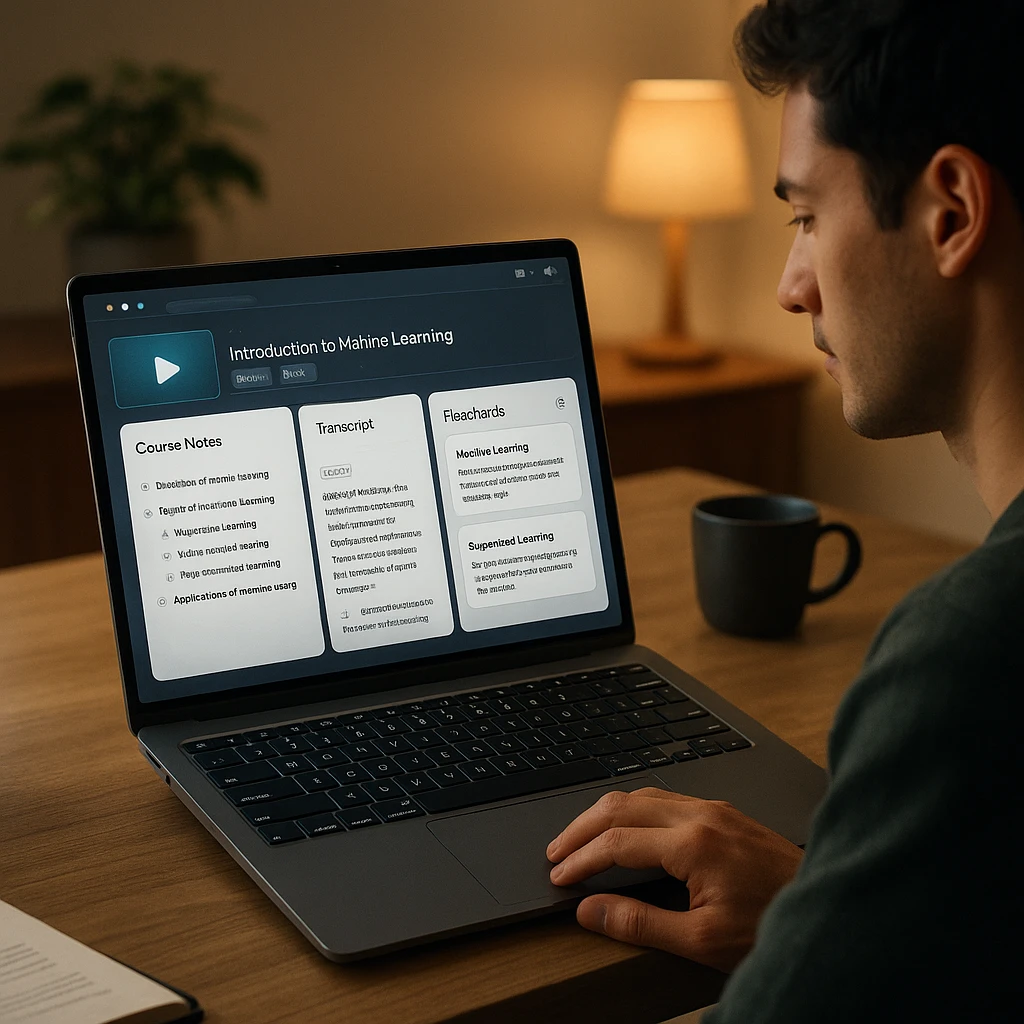
Avaliações dos Melhores Resumidores de Vídeos de Curso com IA em 2026
ScreenApp - Resumidor de Vídeos de Curso com IA
Gravação, transcrição e resumo com IA em uma única plataforma unificada
ScreenApp combina gravação de vídeos de curso, transcrição e resumo com IA em uma só plataforma. Os estudantes podem gravar aulas diretamente no navegador, enviar gravações já existentes ou colar links do YouTube/Vimeo. A plataforma gera automaticamente notas estruturadas, extrai as principais conclusões e responde perguntas sobre o conteúdo da aula.
Este artigo apresenta produtos. Não existe um registo reproduzível de testes práticos para este artigo. Consulte a documentação ligada para especificações e preços atuais; não é uma comparação de desempenho medido.
Nota de transparência: Esta comparação é publicada pelo ScreenApp. Incluímos o ScreenApp em primeiro lugar porque ele oferece a solução mais completa de ponta a ponta para fluxos de trabalho com vídeos de curso. No entanto, se você precisa apenas de transcrição ou materiais de estudo sem gravação, ferramentas especializadas como Notta ou Mindgrasp podem ser mais eficientes.
Prós
- • Grava aulas diretamente sem software especial
- • Gera resumos com IA, não apenas transcrições
- • Faça perguntas sobre o conteúdo da aula em tempo real
- • Arquivo de transcrições pesquisável
- • Funciona em todas as plataformas de reunião
Contras
- • Resumos com IA limitados no plano gratuito
- • Planos pagos necessários para equipes
- • Sem recurso de geração de quiz
Melhor Para
Estudantes gravando aulas ao vivo, profissionais em cursos online, pesquisadores analisando webinars e qualquer pessoa que queira transcrição e aprendizado com IA em uma só ferramenta.
Mindgrasp - Melhor para Materiais de Estudo
Sistema completo de estudo com notas, flashcards, quizzes e tutoria com IA
Mindgrasp gera um sistema completo de estudo a partir de vídeos de curso. Envie aulas, vídeos, PDFs ou links, e a plataforma cria notas, resumos, flashcards, quizzes e oferece um tutor com IA para perguntas de acompanhamento.
Este artigo apresenta produtos. Não existe um registo reproduzível de testes práticos para este artigo. Consulte a documentação ligada para especificações e preços atuais; não é uma comparação de desempenho medido.
Prós
- •Sistema completo de estudo em uma ferramenta
- •Geração de flashcards e quiz
- •Tutor com IA para perguntas de acompanhamento
Contras
- •Plano gratuito é apenas teste
- •Quizzes precisam de verificação
Melhor Para
Estudantes se preparando para provas que precisam de materiais de estudo completos, incluindo notas, quizzes e flashcards.
NoteGPT - Melhor para Cursos no YouTube
Transcrição e resumo focados em YouTube, sem upload de arquivos
NoteGPT é especializado em resumo de cursos no YouTube. Cole um link do YouTube e receba uma transcrição instantânea com marcações de tempo, um resumo conciso e opções de comprimento personalizáveis. Suporta processamento em lote de playlists.
Este artigo apresenta produtos. Não existe um registo reproduzível de testes práticos para este artigo. Consulte a documentação ligada para especificações e preços atuais; não é uma comparação de desempenho medido.
Prós
- •Suporte direto a links do YouTube
- •Tempos de processamento rápidos
- •Processamento em lote de playlists
- •Plano gratuito útil
Contras
- •Limitado a plataformas do tipo YouTube
- •Sem geração de quiz
Melhor Para
Estudantes de cursos baseados no YouTube que querem transcrição e resumos rápidos sem upload de arquivos.
Recall - Melhor para Base de Conhecimento
Construa uma base de conhecimento pesquisável conectando conceitos entre vários cursos
Recall salva e conecta resumos de vídeos, páginas web e PDFs. Em vez de resumos isolados, ele constrói uma base de conhecimento pesquisável e oferece fluxos de revisão espaçada entre vários cursos.
Este artigo apresenta produtos. Não existe um registo reproduzível de testes práticos para este artigo. Consulte a documentação ligada para especificações e preços atuais; não é uma comparação de desempenho medido.
Prós
- •Conecta conceitos entre fontes
- •Fluxos de revisão espaçada
- •Plano gratuito útil
Contras
- •Sem geração de quiz
- •Requer construção gradual de conhecimento
Melhor Para
Estudantes com vários cursos que querem construir conexões de longo prazo entre conceitos de diferentes fontes e trilhas de aprendizado.
Glasp - Melhor para Aprendizado Baseado na Web
Ferramenta de destaque e anotação no navegador para conteúdo do YouTube e da web
Glasp é uma ferramenta de destaque e anotação baseada no navegador. Em vez de transcrever o vídeo bruto, ela trabalha com legendas do YouTube e texto de páginas web. Destaque frases-chave e construa uma coleção de aprendizado anotada.
Este artigo apresenta produtos. Não existe um registo reproduzível de testes práticos para este artigo. Consulte a documentação ligada para especificações e preços atuais; não é uma comparação de desempenho medido.
Prós
- •Baseado no navegador, sem downloads
- •Destaque intuitivo
- •Gratuito e leve
Contras
- •Requer legendas existentes
- •Sem geração de quiz
Melhor Para
Estudantes que preferem destaque e anotação em vez de transcrição com IA, especialmente para cursos no YouTube com boas legendas.
Eightify - Melhor para Conclusões Rápidas
Gere resumos rápidos do YouTube em menos de 30 segundos
Eightify gera conclusões rápidas de vídeos do YouTube em menos de 30 segundos. Ideal para decidir rapidamente se um vídeo vale seu tempo, não para aprendizado completo.
Este artigo apresenta produtos. Não existe um registo reproduzível de testes práticos para este artigo. Consulte a documentação ligada para especificações e preços atuais; não é uma comparação de desempenho medido.
Prós
- •Resumos instantâneos
- •Sem espera de processamento
- •Plano gratuito generoso
Contras
- •Resumos muito breves
- •Apenas YouTube
Melhor Para
Decisões rápidas sobre se vale a pena assistir a um vídeo do YouTube por completo; não para aprendizado completo de curso.
Notta - Melhor para Suporte Multilíngue
Transcrição com suporte a mais de 100 idiomas e alta precisão
Notta é especializado em transcrição com suporte a mais de 100 idiomas e forte identificação de palestrante. Quando a precisão da transcrição é a prioridade, o Notta entrega resultados confiáveis.
Este artigo apresenta produtos. Não existe um registo reproduzível de testes práticos para este artigo. Consulte a documentação ligada para especificações e preços atuais; não é uma comparação de desempenho medido.
Prós
- •Excelente suporte multilíngue
- •Alta precisão de transcrição
- •Forte identificação de palestrante
Contras
- •Sem resumo com IA
- •Requer notas manuais
Melhor Para
Cursos multilíngues e conteúdo internacional em que a precisão da transcrição e o suporte a idiomas são as necessidades principais.
Otter.ai - Melhor para Aulas ao Vivo
Transcrição em tempo real para aulas e reuniões ao vivo
Otter.ai transcreve reuniões e aulas ao vivo em tempo real. Forte identificação de palestrante e arquivo de transcrições pesquisável. Plano gratuito com 300 minutos por mês.
Este artigo apresenta produtos. Não existe um registo reproduzível de testes práticos para este artigo. Consulte a documentação ligada para especificações e preços atuais; não é uma comparação de desempenho medido.
Prós
- •Transcrição ao vivo em tempo real
- •Forte identificação de palestrante
- •Arquivo pesquisável
Contras
- •Plano gratuito limitado a 300 min/mês
- •Sem resumo com IA
Melhor Para
Aulas ao vivo e gravações de aula em tempo real, onde capturar o áudio no momento em que acontece é essencial.
Descript - Melhor para Criadores de Curso
Edição de vídeo baseada em transcrição para conteúdo instrucional polido
Descript transcreve vídeo e permite que instrutores editem o vídeo editando a transcrição. Remova palavras de preenchimento, silêncio ou seções inteiras sem tocar no editor de vídeo. Feito para criadores de curso que produzem conteúdo polido.
Este artigo apresenta produtos. Não existe um registo reproduzível de testes práticos para este artigo. Consulte a documentação ligada para especificações e preços atuais; não é uma comparação de desempenho medido.
Prós
- •Edição de vídeo baseada em texto é rápida
- •Qualidade de saída profissional
- •Geração automática de legendas
Contras
- •Feito para criadores, não para estudantes
- •Caro para uso casual
Melhor Para
Instrutores e criadores de curso que produzem vídeos educacionais polidos com legendas profissionais e materiais de curso editados.
Summarize Videos - Melhor Opção Gratuita
Resumo de vídeos do YouTube completamente gratuito, sem cadastro
Summarize Videos é um resumidor de vídeos do YouTube completamente gratuito. Sem necessidade de cadastro. Cole um link e receba um resumo instantaneamente. Bem básico, mas custo zero.
Este artigo apresenta produtos. Não existe um registo reproduzível de testes práticos para este artigo. Consulte a documentação ligada para especificações e preços atuais; não é uma comparação de desempenho medido.
Prós
- •Completamente gratuito
- •Sem necessidade de cadastro
- •Resumos instantâneos
Contras
- •Recursos muito básicos
- •Suporte apenas ao YouTube
Melhor Para
Testar se o resumo de curso com IA é útil para você antes de se comprometer com uma assinatura paga.
Como Resumir um Vídeo de Curso Online com IA
Usando o ScreenApp como exemplo prático:
Etapa 1: Grave ou envie a aula do curso (gravação no navegador, upload de arquivo ou link do YouTube)
Etapa 2: A transcrição começa automaticamente; revise e corrija termos técnicos conforme necessário
Etapa 3: Gere um resumo estruturado com capítulos, principais conclusões e definições
Etapa 4: Faça perguntas de acompanhamento sobre o conteúdo para esclarecimentos
Etapa 5: Exporte e organize as notas em PDF, Word, Markdown, ou cole no Notion/Google Docs
Limitações dos Resumidores de Vídeos de Curso com IA
- Erros de transcrição - Sotaques, áudio de baixa qualidade e terminologia especializada podem reduzir a precisão
- Falta de contexto visual - A IA não consegue entender totalmente diagramas, equações, código ou demonstrações na tela
- Perda de nuances - Resumos breves podem remover exceções, avisos ou exemplos importantes
- Alucinações - A IA às vezes inventa detalhes que não estão presentes na aula original
- Preocupações com privacidade - Confira como o conteúdo enviado é armazenado antes de usar com material de curso proprietário
Veredito Final
Para estudantes com pressa, comece com o plano gratuito do ScreenApp. Grave sua próxima aula, gere notas estruturadas e faça perguntas com IA sobre o conteúdo sem precisar buscar repetidamente no vídeo inteiro. Relacionado: veja nosso melhor app de anotações de aula com IA para gravação móvel e melhores assistentes de reunião com IA para capturar discussões ao vivo.
FAQ
Qual é o melhor resumidor de vídeos de curso com IA?
O ScreenApp é a melhor opção tudo em um para gravar, transcrever e resumir vídeos de curso. O Mindgrasp é melhor se você precisa de materiais de estudo completos com quizzes e flashcards. O NoteGPT funciona melhor exclusivamente para cursos baseados no YouTube.
A IA consegue resumir um curso online inteiro?
A IA pode resumir aulas individuais, mas não cursos completos com vários módulos de uma vez. Processe cada aula separadamente e organize os resumos por módulo ou tópico.
Qual é a precisão das transcrições de IA em aulas de curso?
Essas ferramentas funcionam offline? A maioria exige internet para o processamento. Alguns aplicativos de desktop como o Descript podem funcionar offline para edição, mas a análise com IA normalmente exige processamento na nuvem.
Posso usar resumos de IA para me preparar para provas?
Sim, mas confira todos os fatos com a aula original. Quizzes e flashcards gerados por IA devem ser conferidos quanto à precisão.
Qual ferramenta tem o melhor plano gratuito?
O Summarize Videos é completamente gratuito para sempre. O ScreenApp oferece 30 min/mês gratuitos. NoteGPT e Recall também têm planos gratuitos úteis.