
Download ScreenApp for Mac
Your download should start automatically
Download for Mac
Requires macOS 11 or later. Free to use.
Requires a Mac with Apple Silicon (M1 or later). Free to use.
Install in three steps
It takes about a minute. No account needed to install.
-
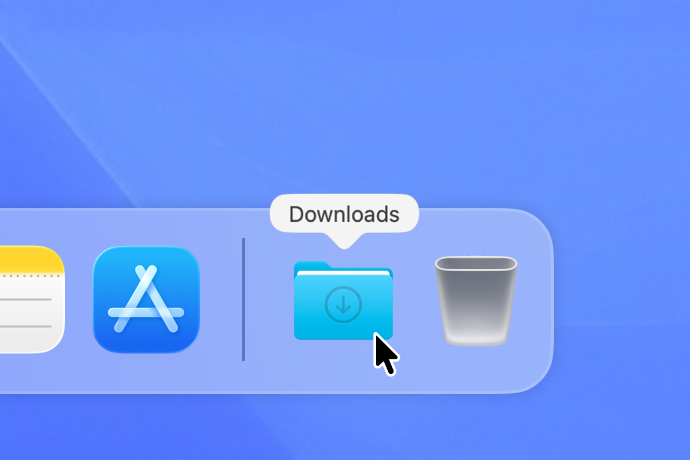 1
1Open ScreenApp.dmg from your Downloads folder.
-
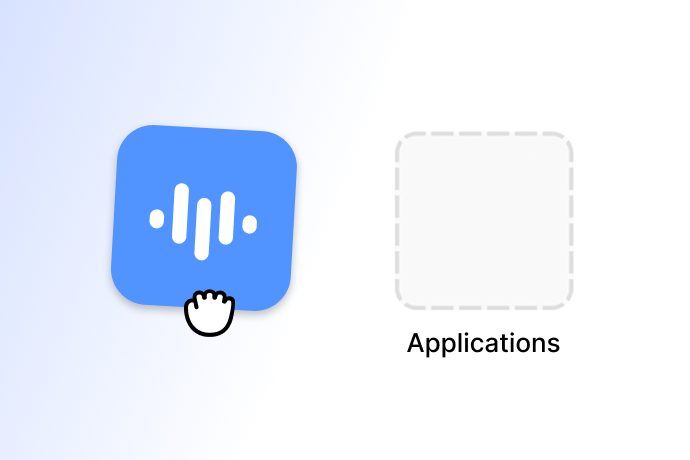 2
2Drag the ScreenApp icon into Applications.
-
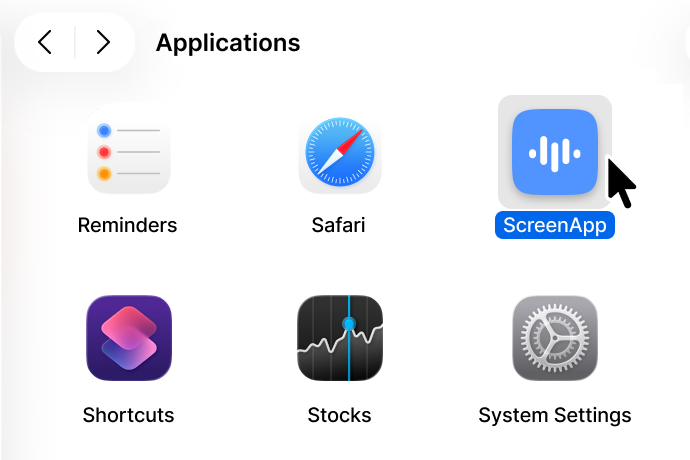 3
3From Applications, double-click ScreenApp to open it.
Trouble installing? You can grab the latest build directly.
Download ScreenApp.dmg