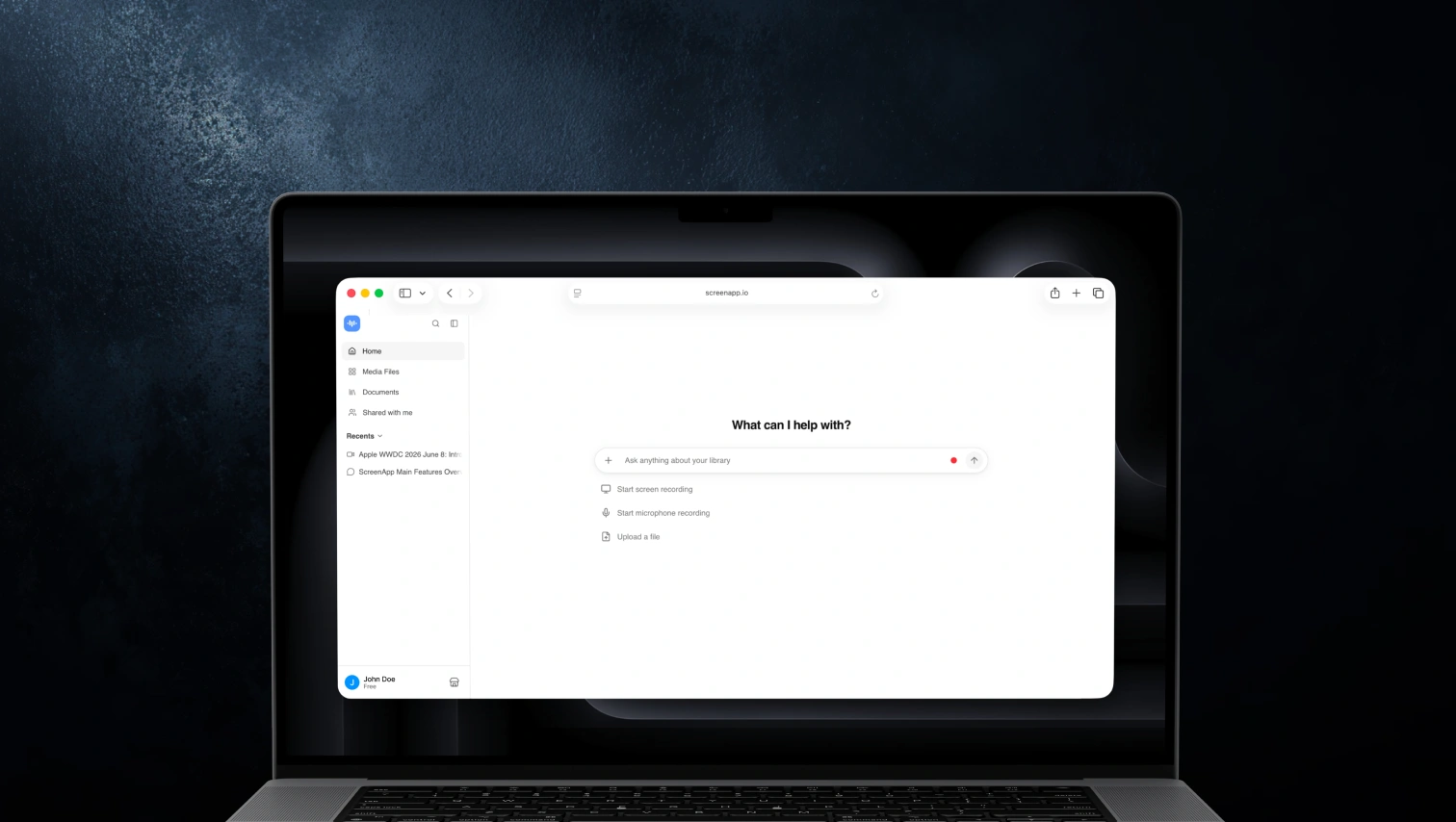
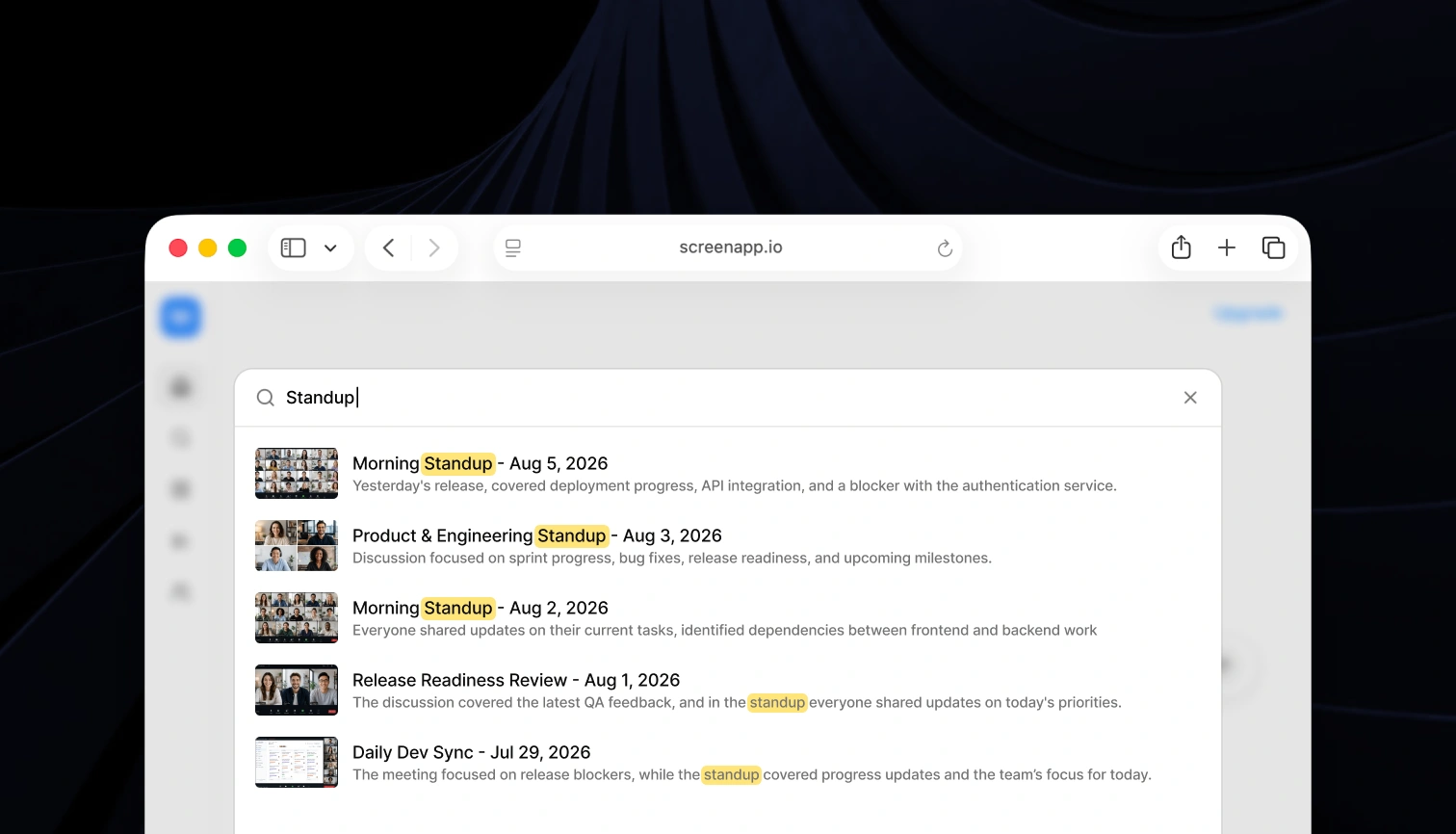
#1 AI Assistant for Recordings

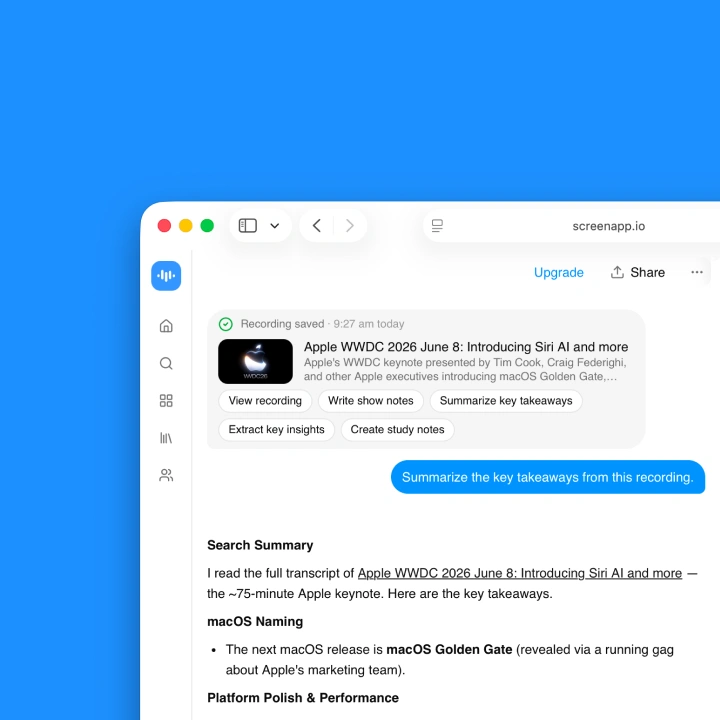
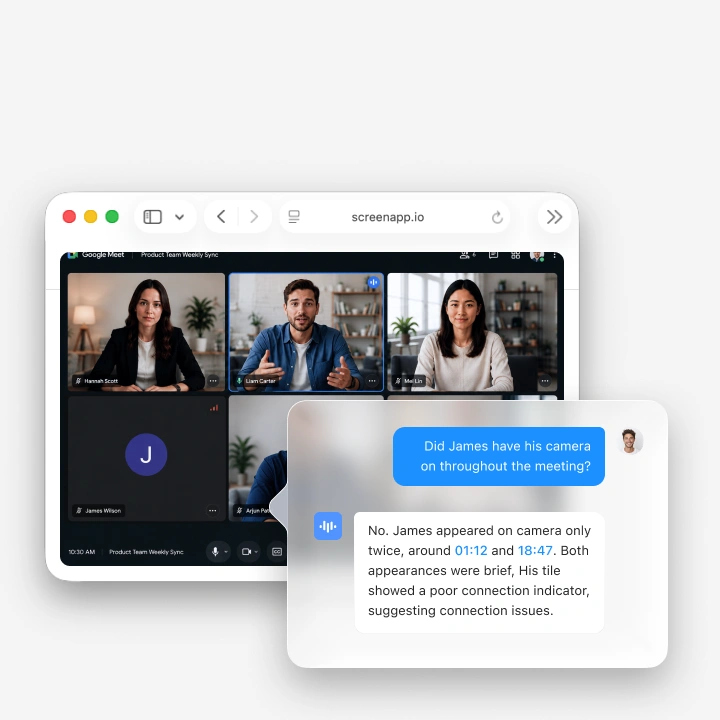
Absorb your meetings in five seconds. Extract every insight. Never miss a detail. Transform hours of recordings into instant understanding.

Loved by over 3 million people

Trusted and supported by professionals and businesses globally

Antler Tesla Atlassian Odoo
Deel Salesforce Netflix

실제 사용자로부터의 실제 결과

Aaron photo

Aaron

프로젝트 매니저

★★★★★

ScreenApp에 대한 전반적인 경험은 정말 긍정적이었습니다! 지원이 훌륭하고 ScreenApp은 뛰어난 녹화 시스템입니다.

JP photo

JP

운영 관리자

★★★★★

마침내 모든 것에 워터마크를 붙이지 않는 화면 녹화기입니다. 무료 플랜으로 월 45분의 AI 처리를 받습니다 - 대부분의 훈련 비디오에 충분합니다.

Trina photo

Trina

창립자

★★★★★

또 다른 AI 노트 어시스턴트에 대해서는 회의적이었지만, ScreenApp의 관대한 무료 레벨이 저를 완전히 설득시켰습니다. 품질은 전문가 수준이고, AI 기능들이 광고한 대로 실제로 작동합니다. 이제 모든 고객 프레젠테이션과 팀 데모에 사용하고 있습니다.

Kelvin photo

Kelvin

소프트웨어 엔지니어

★★★★★

데스크톱과 모바일 앱이 환상적입니다. 이동 중에 회의를 녹화하는 것이 이렇게 쉬운 적이 없었고, 받아쓰기 기능은 엄청난 시간 절약입니다.

Millie photo

Millie

디렉터

★★★★★

우리 팀은 ScreenApp을 찾기 전까지 고객 피드백에 빠져 있었습니다. 이제 모든 프레젠테이션과 고객 통화를 녹화하고, AI 요약이 완벽합니다.

Tanmay photo

Tanmay

Marketing Guru

★★★★★

Makes recording and sharing guides effortless. I love how I can capture my screen and instantly turn it into step-by-step guides in any format I need. Smart, simple, and a brilliant use of AI.

Sav photo

Sav

Project Manager

★★★★★

사용자들은 설치가 필요 없는 웹 기반 플랫폼을 지속적으로 칭찬합니다. 분이 아닌 초 단위로 녹화를 시작하세요.

Nate photo

Nate

Video Creator

★★★★★

녹화를 자동으로 전사하고 요약하는 능력은 엄청난 시간 절약이며, 비디오 콘텐츠를 검색 가능하고 유용한 데이터로 변환합니다.

Frequently Asked Questions

How does the AI Notetaker work?

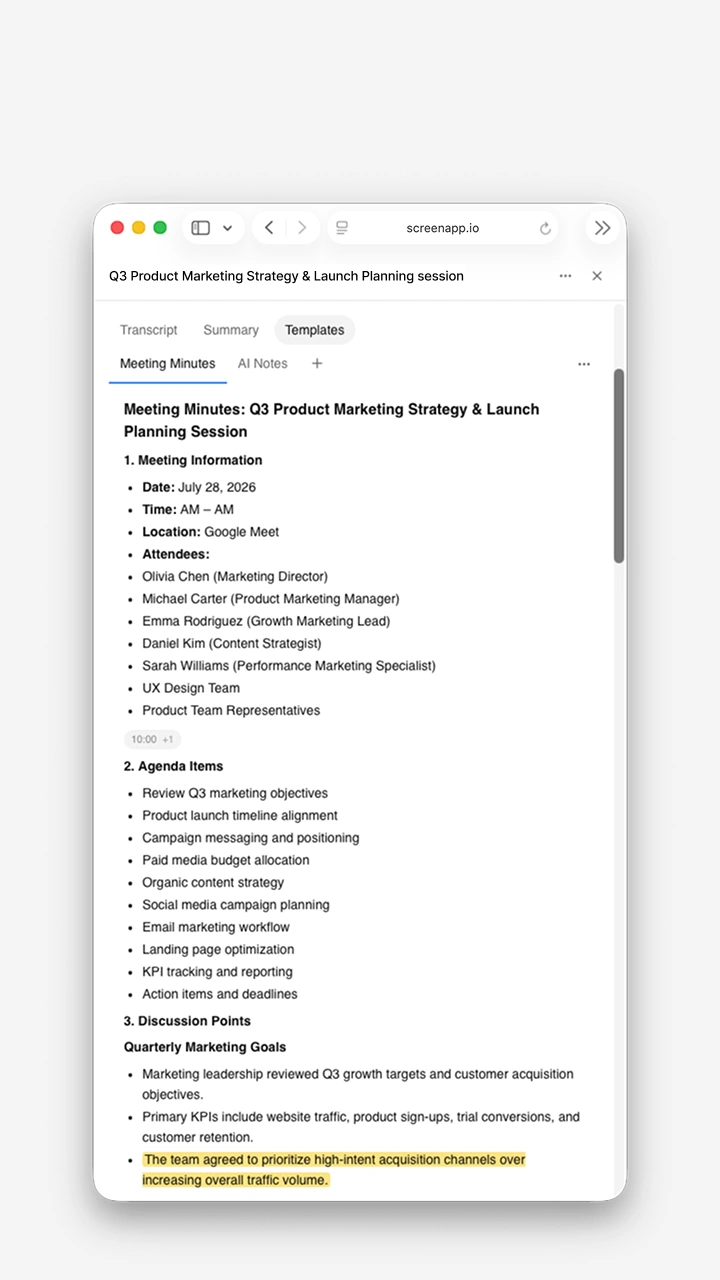
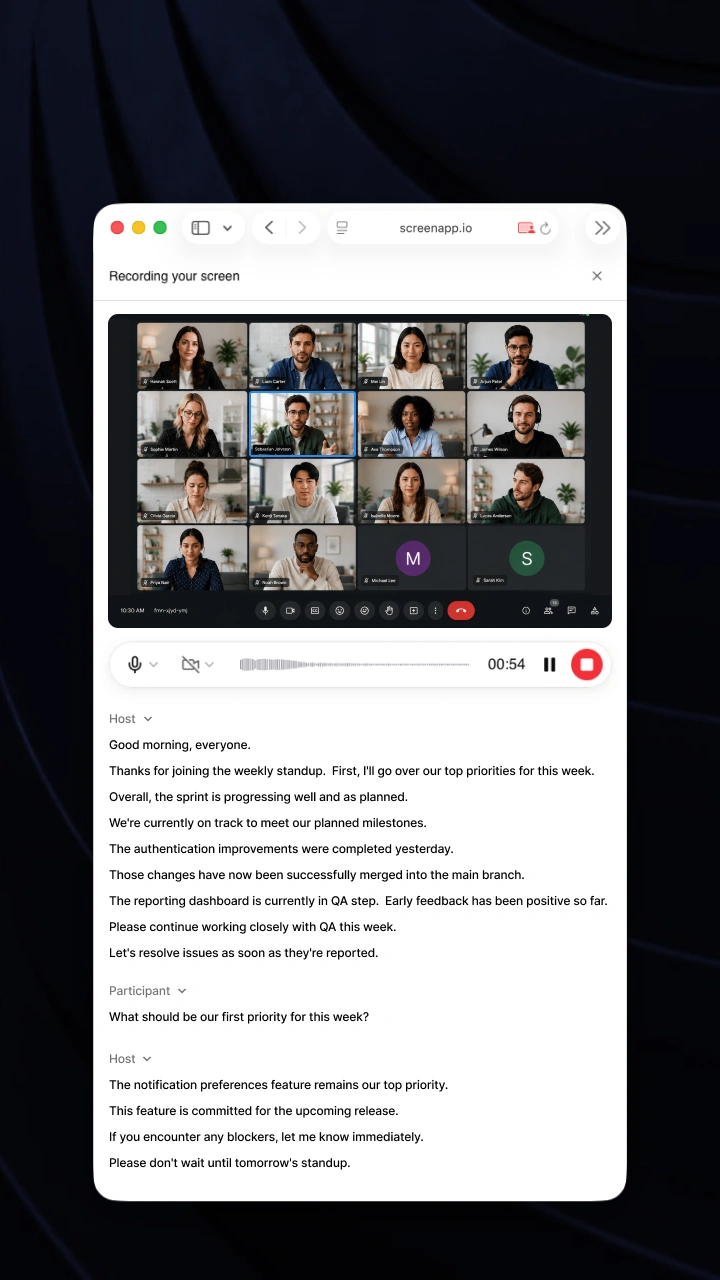
ScreenApp automatically captures, transcribes, and transforms your conversations into structured notes with key points, action items, and decisions - all in real-time.

What makes the AI Summarizer different?

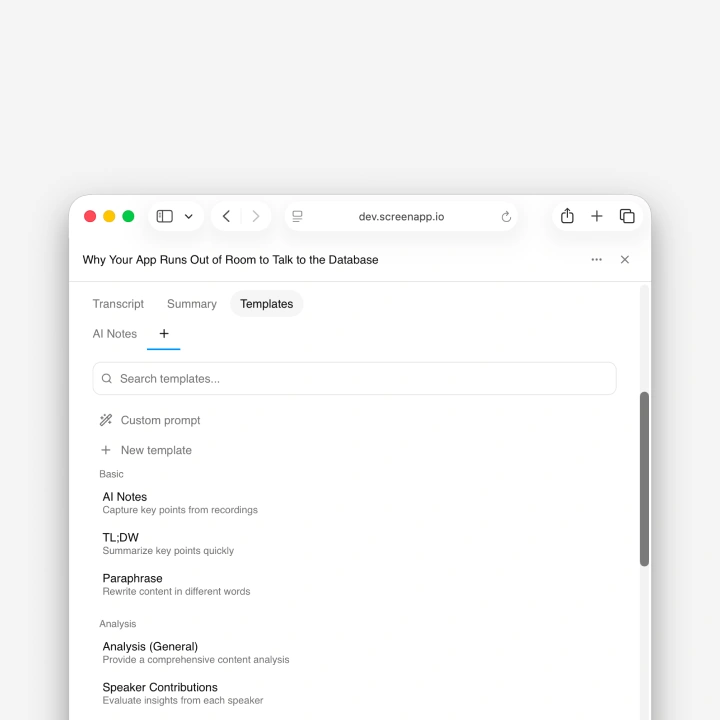
Our AI extracts the most important insights from hours of content in seconds. Get executive summaries, key decisions, and action items without watching entire recordings.

How accurate is the transcription and summarization?

ScreenApp delivers up to 99% transcription accuracy with clear audio. Summaries capture key points, action items, and decisions.

Do I need to install anything?

No. You can use ScreenApp directly in your browser. If you prefer, you can also install our mobile app or Chrome extension.

Can I use ScreenApp for dictation and document creation?

Yes. Convert any audio or video recording into formatted documents, PDFs, or text files. Perfect for creating meeting minutes, interview transcripts, and professional reports.

Can I import from Zoom, Google Meet, or YouTube?

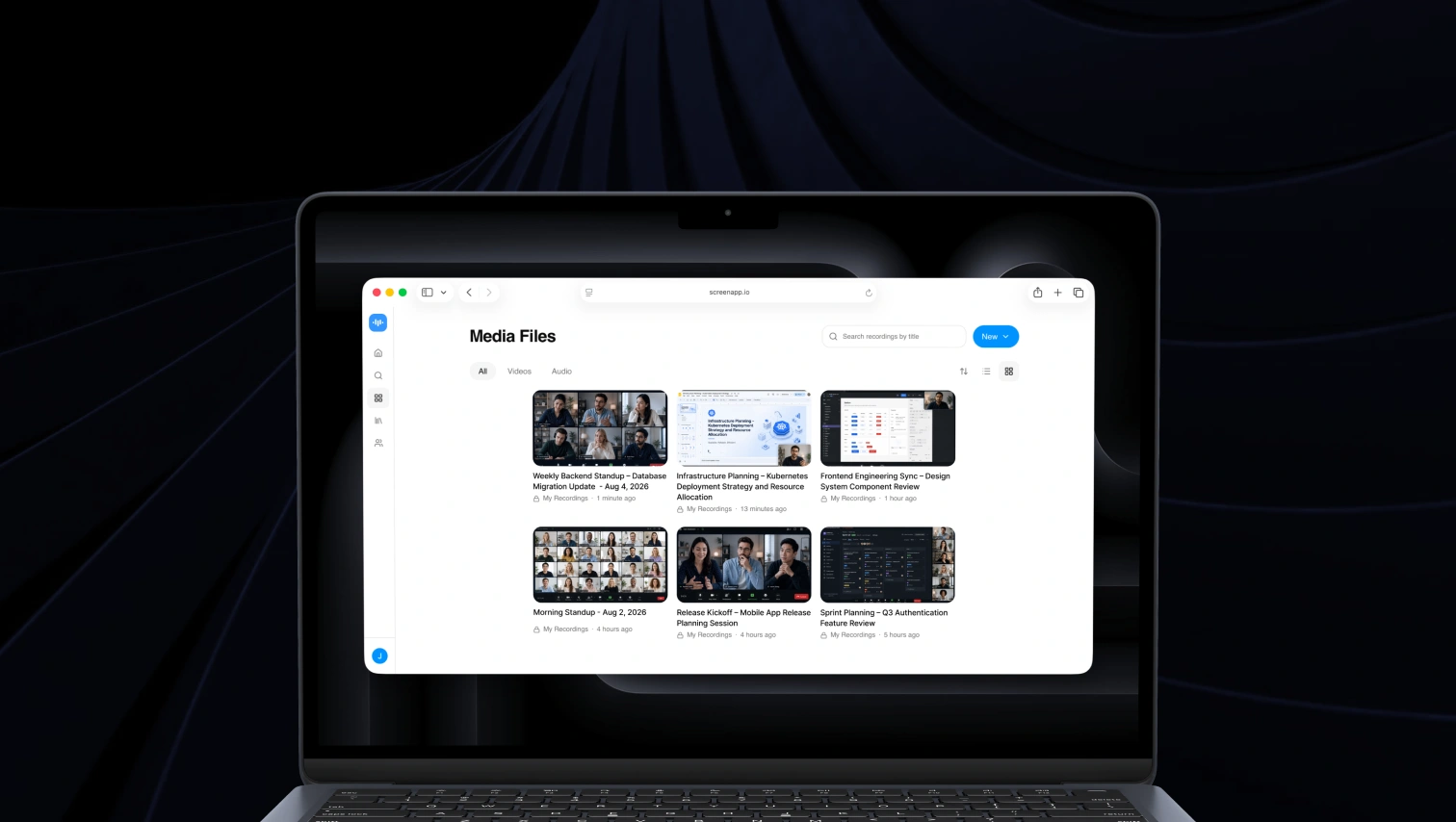
Yes. Upload recordings from any platform, import directly via URL, or use our meeting bots to automatically capture sessions. Works with all major video conferencing tools.

Is my data secure?

Yes. All recordings and transcripts are encrypted during transfer and storage. You control who can access your content.

What's included in the free plan?

The free plan includes limited transcription minutes, basic summaries, and core recording and upload features.

Can I cancel anytime?

Yes. You can cancel or downgrade your plan anytime in your account settings.

User
User
User
2,147,483명 이상의 사용자와 함께

Stop watching. Start understanding.

Join thousands who've discovered their window into every conversation. Transform hours of recordings into instant insights.

Try ScreenApp Free

Start recording in 60 seconds • 신용카드 불필요