Best Audio Translator in 2026: 10 Voice Translation Tools Compared


On this page
Quick answer: the best audio translator
The right audio translator depends on the job you need it for:
- Best for recordings and files: ScreenApp transcribes and translates uploaded audio, then lets you export the text
- Best free all-rounder: Google Translate has the widest language list across voice and text
- Best for live travel chat: iTranslate Voice is fast in real time and works offline
- Best for Asian languages: Papago is strong on Korean, Japanese, and Chinese
ChatGPT and most chat assistants can translate text you paste in, but they cannot listen to a voice note, a recorded meeting, or a live conversation and give you translated text back. For spoken language you need a dedicated audio translator that captures speech, transcribes it, and converts it into another language.
An audio translator turns spoken words into text in a second language. Some tools work live during a conversation, some handle a recording or an uploaded file, and a few read signs and menus through your phone camera. With more than 7,000 living languages in use worldwide, no tool covers them all equally well, so the right pick depends on your language pair. This guide compares 10 of them on accuracy, speed, language coverage, offline support, and the situations each one actually fits.
If your work involves recorded calls and lectures more than face-to-face chat, the job overlaps with transcription. Our walkthrough on how to record lectures and convert them to text covers that side, and teams running multilingual meetings may also want the best free video conferencing apps for tools with built-in captions.
How we compared these audio translators
We looked at each tool the way you actually use it: start a live chat or drop in a recording, then check what comes back. Five things separate a translator you can trust from one you have to double-check.
- Accuracy: how natural and correct the translation is, especially with accents, names, and background noise
- Real-time speed: how quickly spoken words come back translated in a live conversation
- Language coverage: how many languages are supported, and how well the less common ones hold up
- Offline support: whether it still works with no signal, which matters most for travel
- File and export options: whether you can translate an uploaded recording and keep the text afterward
No tool here is flawless on all five. Modern neural translation is far better than the phrase-based systems of a decade ago. When Google moved to a neural machine translation model, it reported cutting errors by around 60% on major language pairs, yet even today’s best models still trip on idioms, homophones, and heavy accents. Treat the output as a strong first draft, and keep a person in the loop for legal, medical, or contract language.
Tools at a Glance
| Rank | Tool | Type | Offline | Best for | Rating |
|---|---|---|---|---|---|
| 1 | ScreenApp | Files + live, web | No | Recorded calls, lectures, kept transcripts | ★★★★★ |
| 2 | Google Translate | App + web | Yes | Broad everyday use, most languages | ★★★★☆ |
| 3 | iTranslate Voice | Mobile app | Yes | Fast live travel chat | ★★★★☆ |
| 4 | Microsoft Translator | App + web | Partial | Business and Microsoft users | ★★★★☆ |
| 5 | Speak & Translate | iOS app | Partial | iPhone and iPad users | ★★★★☆ |
| 6 | Papago | App + web | Yes | Korean, Japanese, Chinese | ★★★★☆ |
| 7 | TripLingo | Mobile app | Partial | Travelers wanting culture tips | ★★★☆☆ |
| 8 | SayHi Translate | Mobile app | No | Quick spoken exchanges | ★★★☆☆ |
| 9 | Waygo | Mobile app | Yes | Reading Asian signs and menus | ★★★☆☆ |
| 10 | iTranslate Converse | Mobile app | No | Hands-free conversations | ★★★☆☆ |
Top 10 Audio Translators
ScreenApp Audio Translator
Best for translating recordings and live speech, with a transcript you keep
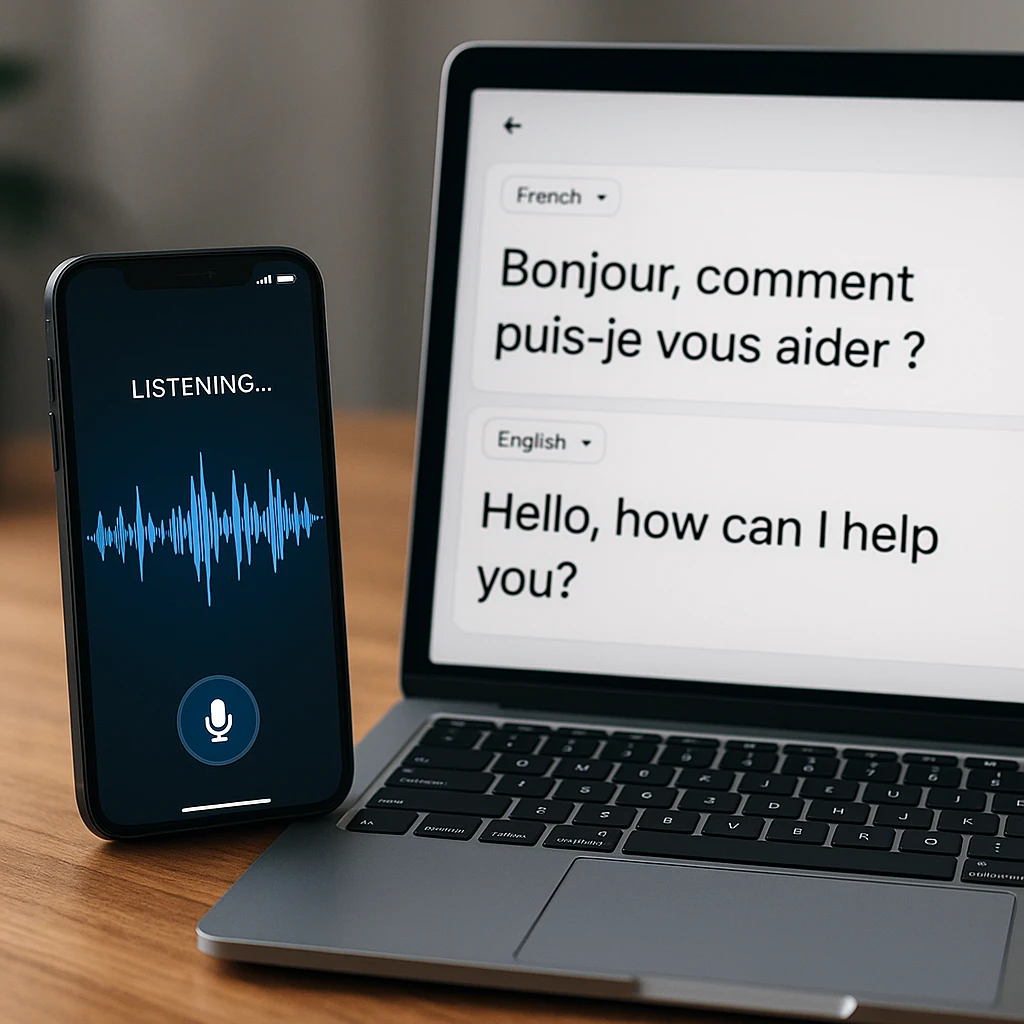
ScreenApp is built for translating recordings and live speech rather than quick phrase lookups. Upload an MP3, WAV, or MP4, or speak in the browser, and it transcribes the audio and returns translated text you can edit and export as TXT, SRT, or VTT. It pairs translation with full transcription in one place, so a multilingual meeting becomes a searchable, translated document. See the audio translator and live audio to text tools.
Key Features
Pros
- -Accurate on both files and live speech
- -Handles 100+ languages
- -Exports subtitles and plain text
- -Nothing to install, runs in the browser
Cons
- -Needs an internet connection
- -Live mode is browser-based, not a native travel app
Best For
Anyone translating recordings, meetings, or interviews who wants an editable transcript to keep, not just a phrase on screen.
Rating: 5/5
Google Translate
Best free all-rounder with the widest language list
Google Translate is the default for most people, and for good reason. It covers more languages than anything else here across text, image, and voice, and it is free. Accuracy is strong on common pairs and thinner on less-spoken languages, where a specialist tool often reads more naturally.
Key Features
Pros
- -Widest language range
- -Voice, text, and camera translation
- -Free with offline language packs
Cons
- -Accuracy varies by language
- -Less natural on rare language pairs
Best For
Everyday translation across the widest language range, especially common pairs, at no cost.
Rating: 4/5
iTranslate Voice
Best for fast, in-person travel conversations
iTranslate Voice is aimed squarely at live conversation. Speak a phrase, hear it back in the other language, and keep the exchange moving. Offline mode makes it useful abroad without data, though the better features sit behind the paid tier.
Key Features
Pros
- -Fast real-time translation
- -Works offline with downloaded packs
- -Clean, simple interface
Cons
- -Best features need the paid version
- -Built for live chat, not recorded files
Best For
Fast in-person travel conversations where you need a quick spoken reply, even offline.
Rating: 4/5
Microsoft Translator
Best for business users in the Microsoft ecosystem
Microsoft Translator fits teams already living in Office and Teams. It handles voice, text, and camera translation for signs and documents, and its live group-conversation mode lets several people follow along in their own language. The interface is a little busier than some rivals.
Key Features
Pros
- -Integrates with Office and Teams
- -Camera translation for signs and docs
- -Multi-person live conversation mode
Cons
- -Interface less intuitive than some rivals
- -Most useful if you already use Microsoft tools
Best For
Business users already in Office and Teams who need group or meeting translation.
Rating: 4/5
Speak & Translate
Best simple pick for iPhone and iPad users
Speak & Translate keeps things simple for Apple users. Voice and text translation work well, it syncs across iPhone and iPad through iCloud, and there is little to learn. The trade-off is a shorter language list than Google or Microsoft, and it is mainly an iOS product.
Key Features
Pros
- -Straightforward and reliable
- -Syncs across the Apple ecosystem
- -Accurate on common languages
Cons
- -Mainly iOS, limited on other platforms
- -Fewer languages than the big free apps
Best For
Apple users who want a simple, reliable voice translator that syncs across their devices.
Rating: 4/5
Papago
Best for Korean, Japanese, and Chinese
Papago, built by Naver, reads more naturally than the general apps on Korean, Japanese, and Chinese, where nuance and honorifics matter. It also handles other languages and works offline. Outside its core East Asian pairs, results are more ordinary.
Key Features
Pros
- -Strong, natural East Asian translation
- -Voice, text, and image support
- -Offline packs, free to use
Cons
- -Less polished outside Asian languages
- -Smaller overall language list
Best For
Translating to or from Korean, Japanese, or Chinese, where tone and honorifics matter.
Rating: 4/5
TripLingo
Best for travelers who want culture tips alongside translation
TripLingo is a travel companion first and a translator second. Alongside voice translation with a slang mode, you get a phrasebook, a currency converter, and cultural etiquette notes. If you want context and local color, it is handy, but pure translation accuracy trails the specialists.
Key Features
Pros
- -Travel toolkit beyond translation
- -Slang mode for casual speech
- -Cultural and etiquette tips
Cons
- -Translation is not the main focus
- -Less accurate than dedicated tools
Best For
Travelers who want cultural context and a phrasebook alongside plain translation.
Rating: 3.5/5
SayHi Translate
Best for quick, spur-of-the-moment spoken exchanges
SayHi does one thing well: fast voice translation for a quick back-and-forth. Tap, speak, and the reply comes back translated with little fuss. It skips the extras, so if you want file translation or deep customization, look elsewhere, but for a spontaneous chat it is quick.
Key Features
Pros
- -Fast and easy for live speech
- -Clean, minimal interface
- -Free to use
Cons
- -Few features beyond live voice
- -No file or transcript handling
Best For
Spur-of-the-moment spoken exchanges where speed beats extra features.
Rating: 3.5/5
Waygo
Best for reading Asian signs and menus with your camera
Waygo is not a voice translator at all, but it earns a place for one job: point your camera at Chinese, Japanese, or Korean text and read a menu or sign instantly, offline. It is narrow by design, so pair it with a voice app for spoken conversation.
Key Features
Pros
- -Instant camera translation of signs and menus
- -Works fully offline
- -Excellent at its one job
Cons
- -Visual text only, no voice translation
- -Limited to a few Asian languages
Best For
Reading Asian menus and signs with your camera while offline.
Rating: 3.5/5
iTranslate Converse
Best for hands-free, back-and-forth conversation
iTranslate Converse is designed for two people to talk with minimal tapping. It detects who is speaking which language and filters background noise, so a conversation flows more naturally than button-press apps. Heavy accents and loud rooms still knock it off track.
Key Features
Pros
- -Hands-free two-way conversation
- -Automatic language detection
- -Background noise filtering
Cons
- -Struggles with heavy accents
- -Less reliable in noisy places
Best For
Two people having a back-and-forth conversation with minimal tapping.
Rating: 3.5/5
Turn a translated conversation into notes you can use
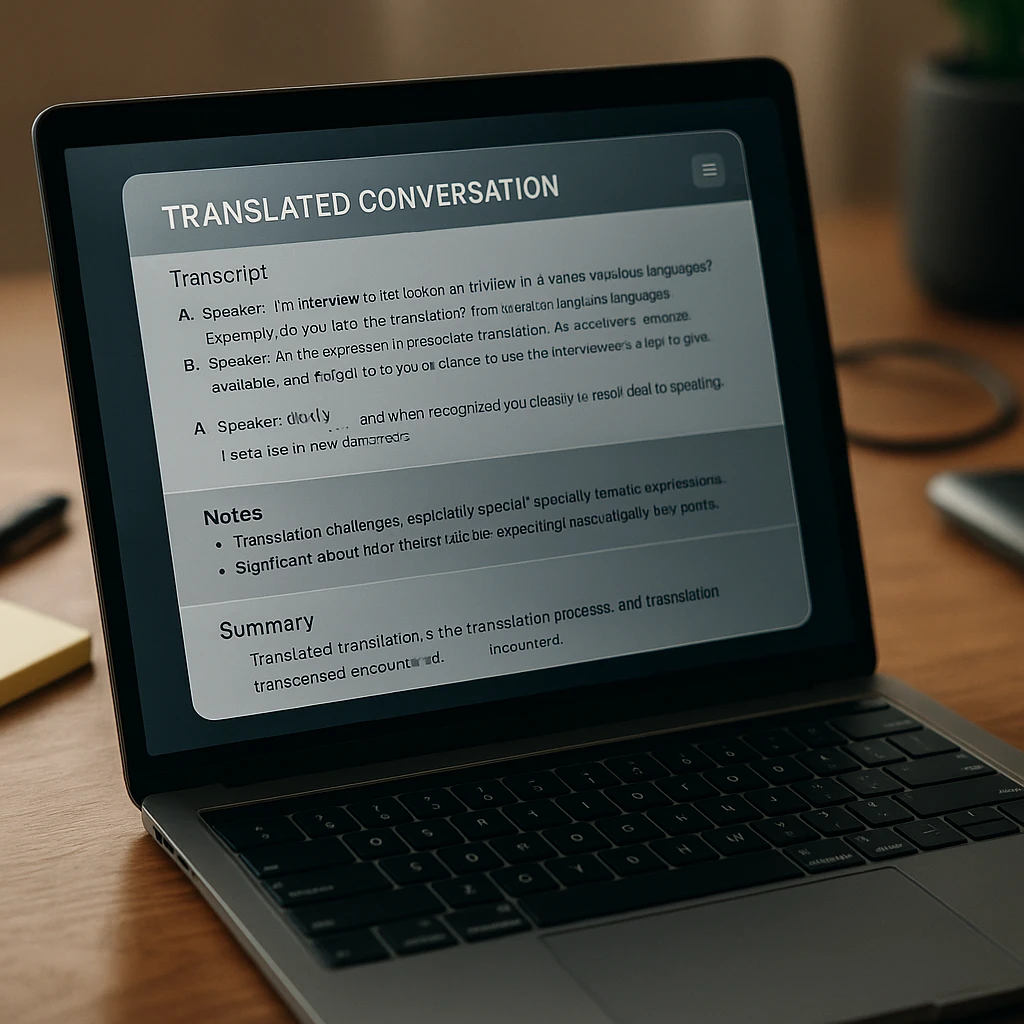
Most of the tools above are built for the moment: you speak, they translate, the words disappear. That is fine for ordering dinner abroad, but it falls short when the conversation matters later, like a client call, a research interview, or a recorded lecture in another language.
That gap is where a record-and-translate workflow helps. Instead of translating on the fly and losing the text, you capture the audio once and get a translated transcript you can search, quote, and share. ScreenApp transcribes the recording, translates it, and lets you export the result, or turn a recorded video into an editable document with the speech already written out.
It is the same reason people pair translation with AI meeting tools. If you sit in on multilingual calls, our roundup of the best AI interview assistants shows how recording plus AI notes replaces frantic note-taking. And if you need only the audio track from a video first, the YouTube to MP3 guide covers pulling clean audio to translate.
Conclusion
Audio translators lower the language barrier for travelers, businesses, and language learners. The technology keeps improving and translations sound more natural each year, though accuracy still varies by language pair and audio quality.
Key Takeaways
- No one-size-fits-all: The best audio translator for you depends entirely on your specific needs. Prioritize the factors that are most important to you, whether that’s exceptional accuracy, a wide range of languages, offline capabilities, or user-friendliness.
- Accuracy matters most for high-stakes talks: Every tool aims for accurate translation, but they differ in how consistently they hit it. For contracts, medical settings, or careful language learning, put accuracy first and check the output.
- Consider the context: Travel, business, and casual learning scenarios each present different needs. A traveler might need offline capabilities, while a business user might focus on professional, specialized vocabulary.
- The market is evolving: Audio translation technology is rapidly advancing. It’s worth keeping an eye on updates and new entrants, as your ideal tool might shift over time.
Audio translation keeps improving, and the gap between the best free tools and paid ones is narrowing. Pick based on how you work: live conversation, recorded files, or reading text through a camera. If you want the translated words kept as a document you can reuse, a record-and-translate tool like ScreenApp fits better than a phrase-lookup app.
FAQ
What is the best audio translator?
It depends on the task. For live travel conversations, iTranslate Voice and Google Translate are fast and work offline. For translating a recording or a meeting and keeping the text, ScreenApp is the stronger pick because it transcribes and translates the audio, then exports it. For Korean, Japanese, and Chinese, Papago tends to read more naturally.
Can I translate an audio recording to text in another language?
Yes. Upload the file to an audio translator that supports transcription, such as ScreenApp, and it converts the speech to text and translates it in one pass. You can then export the translated transcript as plain text or subtitles.
Which audio translator is the most accurate?
Accuracy depends on the language pair and audio quality more than the brand. Clean audio in a widely spoken language gives near-usable results across Google Translate, Microsoft Translator, and ScreenApp. Heavy accents, crosstalk, and background noise lower accuracy in every tool, so review anything high-stakes.
Is there a free audio translator?
Yes. Google Translate is free for voice and text, and several apps on this list have a free tier. ScreenApp lets you try audio and live translation free before upgrading.
Do audio translators work offline?
Some do. iTranslate Voice, Papago, and Google Translate support offline language packs you download in advance, which helps when you travel without a signal. File-based and browser tools like ScreenApp need an internet connection.
How many languages do audio translators support?
It varies widely. Google Translate and Microsoft Translator cover 100+, while specialized tools like Papago focus on fewer languages (around 14) but translate them more naturally. For less common language pairs, the general-purpose apps are your safest bet.
What's the difference between real-time and recorded audio translation?
Real-time translation happens during a live conversation-you speak, hear the reply translated back. Recorded translation takes an audio file or meeting recording and converts the speech to translated text, usually with a transcript you can edit and keep. Real-time tools like iTranslate Voice are faster but don't give you a document; record-and-translate tools like ScreenApp are slower but create a searchable transcript.
How much do audio translators cost?
How we put this together: this is a comparison based on each vendor's published documentation and pricing pages, checked on the dates shown. We did not run a hands-on benchmark for this article.