Best AI Lyrics Extractors 2026: 7 Free Tools Compared

On this page
Ever heard a song and spent 10 minutes trying to Google a half-remembered phrase? You’re not alone. People stream billions of songs a month, according to Statista’s music industry data, yet finding accurate lyrics is still hit-or-miss.
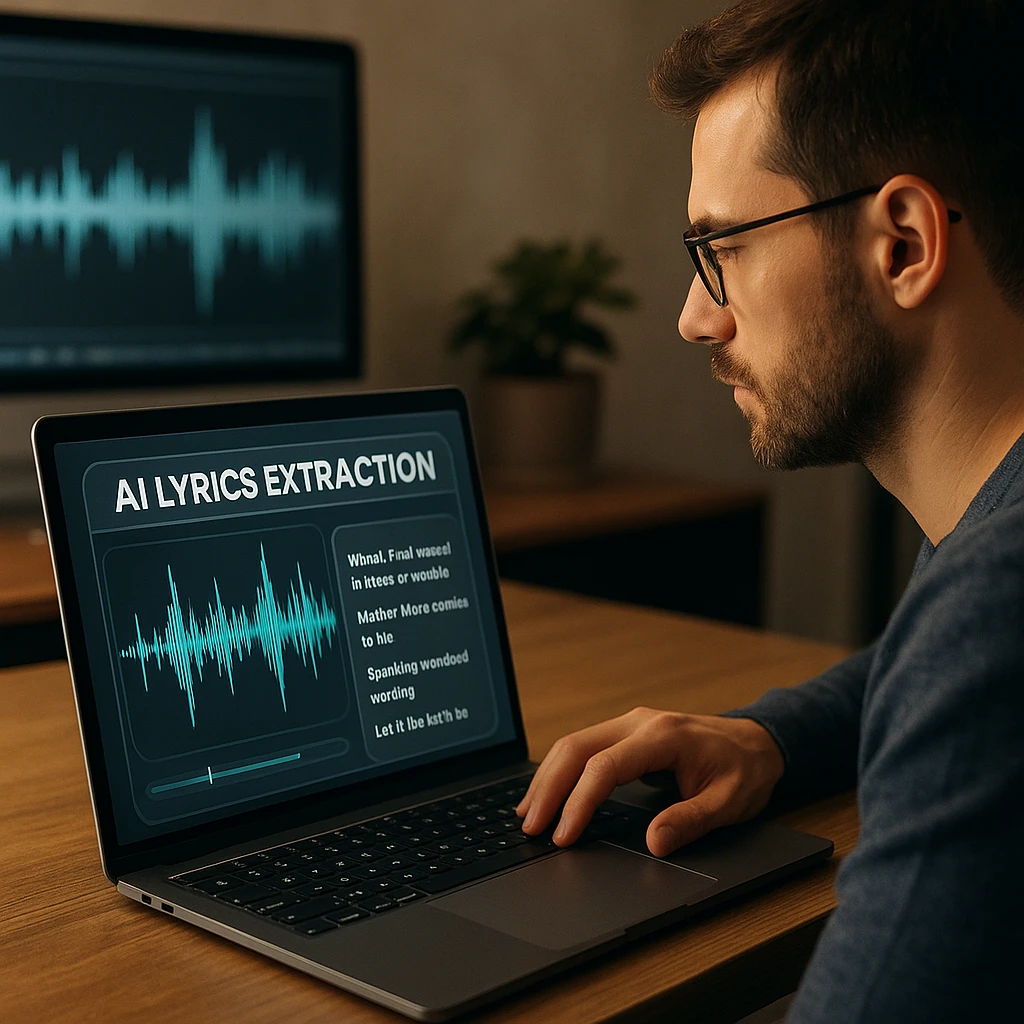
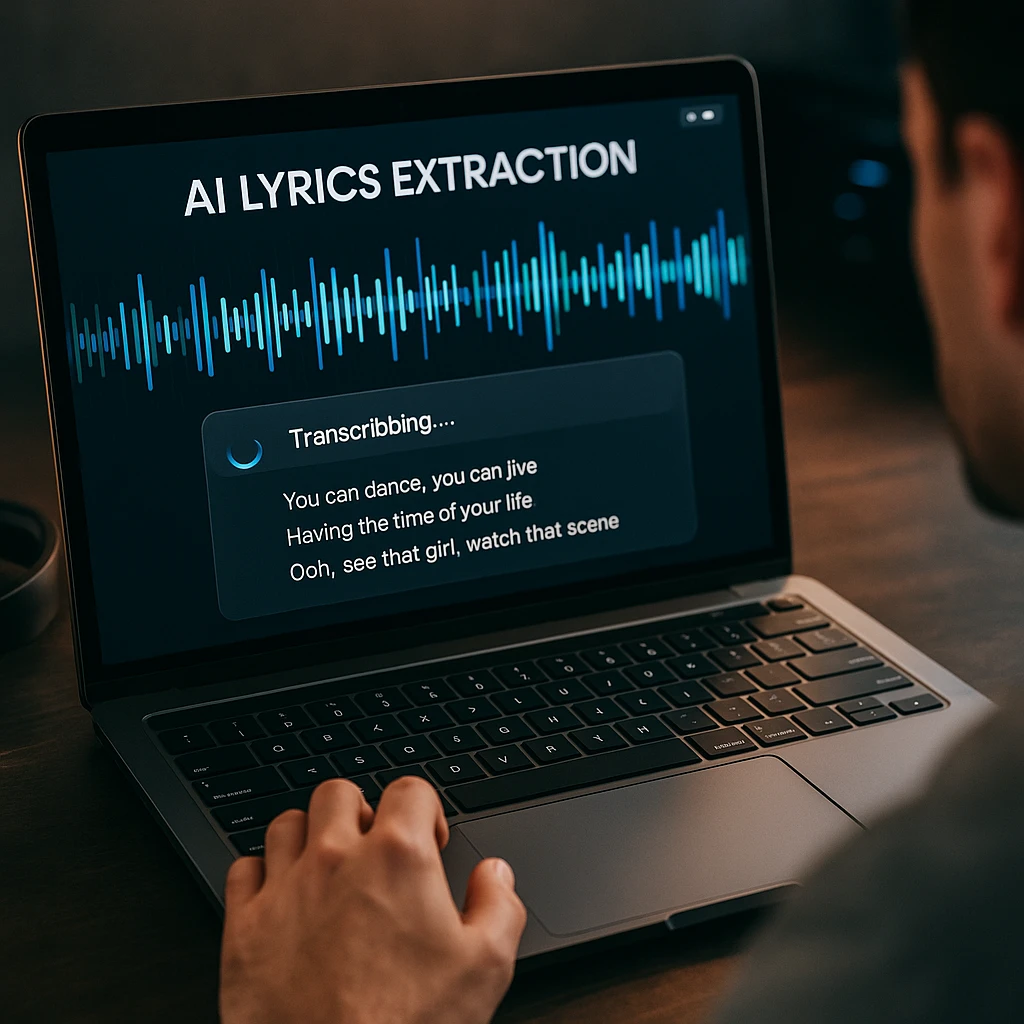
Lyrics databases like Genius and AZLyrics work for popular tracks, but they fall short when you need lyrics for lesser-known songs, live recordings, or audio files on your hard drive. That’s where a dedicated lyrics extractor comes in. These tools use AI to isolate vocals from the instrumental track, then run speech recognition on the isolated audio to produce a text transcript of the lyrics.
Quick Picks
- LALAL.AI. Best for professionals. Free 10 min | $20 one-time Lite. Studio-grade stem separation + transcription.
- Lyrixer. Best free option. Free basic | $2.50/mo Plus. Clean formatting, fast results.
- ScreenApp. Best all-in-one. Free plan with 2 transcriptions | $19/mo billed annually. Handles audio, video, and YouTube URLs.
Pricing Comparison
| Lyrics Extractor | Free Tier | Paid Price | Best For | Rating |
|---|---|---|---|---|
| Vocalremover.org | Limited daily use | $12.95/mo | Audio file accuracy | 5/5 |
| LALAL.AI | 10 min free | $20 one-time (Lite) | Professional production | 5/5 |
| Lyrixer | Basic extractions | $2.50/mo | Quick free extractions | 4.5/5 |
| Melobytes | 5 per day | $19.90/mo | Speed and YouTube links | 4/5 |
| Moises | 2 songs/mo | $3.99/mo (Premium) | Musicians and producers | 4.5/5 |
| QuickLRC | Limited free | From $4/mo | Timed lyrics (LRC files) | 4/5 |
| ScreenApp | 2 transcriptions | $19/mo (annual) | All-in-one audio workflows | Our tool |
Why Use a Lyrics Extractor?
You might wonder why you’d use a dedicated lyrics extractor when you can just search for lyrics on Google. A few reasons:
- Lyrics databases are incomplete. Genius and AZLyrics cover mainstream releases, but they miss indie tracks, live recordings, remixes, and foreign-language songs. If the song isn’t in their database, you’re stuck.
- Audio files have no metadata. If you have an MP3 from a local band, a recorded voice memo of a song, or a ripped audio file, there’s no lyrics database to query. A lyric extractor works directly on the audio.
- YouTube videos aren’t always captioned. Auto-captions on music videos are notoriously bad. A dedicated tool isolates vocals first, which produces far better results than YouTube’s general-purpose captioning.
- You need the exact words. For karaoke prep, music analysis, songwriting study, or subtitle creation, you need precise word-for-word lyrics - not a fan’s best guess from a lyrics wiki.
How Lyrics Extractors Work
AI lyrics extractors follow a two-step process:
Step 1: Vocal isolation. The AI separates the singer’s voice from the instrumental track. This uses source separation models trained on thousands of hours of music. According to research published in Nature, neural networks can now separate audio sources with over 90% accuracy.
Step 2: Speech-to-text. Once the vocal track is isolated, the tool runs speech recognition on it. This step is similar to what powers voice assistants, but lyrics-specific models are trained to handle singing, vibrato, falsetto, rhythmic phrasing, and other vocal techniques that trip up standard speech recognition.
The quality of step 1 determines how well step 2 works. Tools with better vocal isolation (like LALAL.AI and Vocalremover.org) consistently produce more accurate lyrics.
7 Best Lyrics Extractors Reviewed
1. Vocalremover.org
Pricing: Free with daily limits. Paid plan at $12.95/mo or $99/year for unlimited use.
Inputs: MP3, WAV, FLAC, M4A, and most audio formats.
What’s good:
- Vocal isolation and transcription in one step
- No registration needed for basic use
- Works with copyrighted material
What’s not:
- Free tier has processing limits (roughly 1 song per day)
- No YouTube URL support, you need to upload a file
- Processing takes 30-60 seconds per song
Verdict: The best option if you have audio files and want accurate lyrics. The vocal isolation step makes a real difference in output quality.
2. LALAL.AI
Pricing: 10 minutes free. Lite Pack $20 (90 min), Plus Pack $27 (300 min), Pro Pack $35 (500 min). All one-time payments with no expiration.
Inputs: MP3, WAV, FLAC, and professional audio formats.
What’s good:
- One-time pricing, no recurring subscription
- Minutes don’t expire
- API access on higher tiers
- Batch processing
What’s not:
- Free tier is only 10 minutes
- No YouTube URL support
- Slower processing (1-3 minutes per song for quality output)
Verdict: Worth the one-time cost if you regularly extract lyrics from audio. The $20 Lite Pack gets you 90 minutes, which covers roughly 25-30 songs.
3. Lyrixer
Lyrixer is a newer lyrics extractor built specifically for this purpose. Upload an audio file and get clean, well-formatted lyrics text. The free tier is more generous than most competitors.
Pricing: Free for basic extractions. Plus plan at $2.50/mo for unlimited use and priority processing.
Inputs: MP3, WAV, and common audio formats.
What’s good:
- Clean, well-formatted output
- Free tier is genuinely usable
- Fast processing (under 30 seconds)
- Simple interface with no clutter
What’s not:
- Newer tool with a smaller user base
- Accuracy drops on heavily produced tracks
- No YouTube URL support
Verdict: The best free option for quick lyrics extraction. The $2.50/mo Plus plan is the cheapest paid option in this list.
4. Melobytes
Pricing: 5 free extractions per day. Subscription at $19.90/mo or discounted annual plan.
Inputs: YouTube links, MP3 uploads, direct audio URLs.
What’s good:
- Fastest processing (5-15 seconds)
- Direct YouTube URL support
- 5 free uses per day
- Mobile-friendly interface
What’s not:
- Paid plan is relatively expensive at $19.90/mo
- Ads on the free tier
Verdict: Best for speed and YouTube links. If you need quick lyrics from a YouTube video and don’t need perfect accuracy, Melobytes is the fastest path.
5. Moises
Moises is a full music practice platform with stem separation, tempo adjustment, and lyrics transcription. It’s designed for musicians who want to learn songs by ear and need lyrics alongside other practice tools.
Pricing: Free plan with 2 songs/mo. Premium at $3.99/mo. Pro at $24.99/mo with HiFi stems.
Inputs: Audio uploads and YouTube links via the app.
What’s good:
- Word-by-word synchronized lyrics
- Tempo and pitch adjustment alongside lyrics
- Strong mobile app (iOS and Android)
- Good accuracy with its Premium model
What’s not:
- Free tier is very limited (2 songs/mo)
- Requires account creation
- Desktop experience isn’t as polished as mobile
Verdict: The best choice for musicians who want lyrics as part of a practice workflow. The $3.99/mo Premium plan is good value for regular use.
6. QuickLRC
QuickLRC generates timed lyrics in LRC format, which is useful for karaoke, subtitle creation, and music players that display lyrics in sync with playback. It also outputs plain text lyrics.
Pricing: Limited free use. Plans start at $4/mo for more AI credits and export options.
Inputs: MP3, audio uploads, YouTube URLs.
What’s good:
- Generates LRC (timed lyrics) files
- YouTube URL support
- Useful for karaoke and subtitle workflows
- Multiple export formats
What’s not:
- Free tier is quite limited
- Accuracy is middling compared to Vocalremover or LALAL.AI
- Interface can feel cluttered
Verdict: The go-to option if you need timed lyrics (LRC files) for karaoke or media players. Plain-text-only users are better served by other tools on this list.
7. ScreenApp
ScreenApp is an all-in-one audio and video platform with built-in AI transcription. It handles audio-to-text conversion for any file type, including music. Paste a YouTube URL or upload an audio file, and it produces a timestamped transcript.
Pricing: Free plan with 2 transcriptions of recordings up to 45 minutes each. Pro is $19/mo billed annually, or $30/mo monthly.
Inputs: MP3, WAV, MP4, YouTube URLs, and most audio/video formats.
What’s good:
- Handles audio, video, and YouTube URLs in one place
- Timestamped output
- Works with music transcription and spoken word
- Additional AI features (summaries, search, meeting notes)
What’s not:
- Not a dedicated lyrics tool, general-purpose transcription
- Free tier is limited to 3 uses/mo
- No vocal isolation step (transcribes the full audio mix)
Verdict: Best if you need lyrics extraction as part of a broader audio workflow. The transcription engine is solid, and the extra AI features (summaries, search) are useful for music researchers and content creators.
How to Extract Lyrics from Any Song
The process is the same regardless of which tool you pick:
- Get your audio source. Copy a YouTube URL, or locate your MP3/WAV file on your device.
- Choose the right tool. For audio files, use Vocalremover.org or LALAL.AI. For YouTube videos, use Melobytes or ScreenApp. For timed lyrics, use QuickLRC.
- Upload or paste the link. Click “Extract” or “Transcribe” and wait for the result.
- Review the output. AI transcription isn’t perfect. Scan for obvious errors, misheard words, missing lines, or merged phrases, and fix them manually.
Tips for better accuracy:
- Use the highest quality audio source you can find. A 320kbps MP3 will give better results than a 128kbps stream rip.
- Songs with a single clear vocal and simple arrangement get the best results.
- If accuracy matters, use a tool with vocal isolation (Vocalremover, LALAL.AI, or Moises) rather than one that transcribes the full mix.
- For songs in other languages, check that the tool supports that language before uploading.
Related Tools
If you work with audio content regularly, these resources might help:
- Audio to Text Converter, General-purpose audio transcription for meetings, interviews, and podcasts.
- Music Transcription, Transcribe full music recordings with speaker detection and timestamps.
- Music Video to Lyrics Converter, A guide to converting music video audio into formatted lyrics.
How we put this together: this is a comparison based on each vendor’s published documentation and pricing pages, checked on the dates shown. We did not run a hands-on benchmark for this article.
FAQ
How do I extract lyrics from a song for free?
Upload your audio file to Vocalremover.org or Lyrixer, both have free tiers that work without registration. For YouTube videos, paste the URL into Melobytes, which gives you 5 free extractions per day. These tools isolate the vocals and run speech recognition to produce a text transcript of the lyrics.
Can I extract lyrics from a YouTube video?
Yes. Melobytes, QuickLRC, and ScreenApp all accept YouTube URLs directly. Paste the video link, and the tool processes the audio track to extract lyrics as text. Melobytes is the fastest (5-15 seconds), while ScreenApp produces timestamped output that you can search and edit.
What file formats do lyrics extractors support?
All tools on this list support MP3, the most common audio format. Most also handle WAV, FLAC, M4A, and AAC. Some tools (Melobytes, QuickLRC, ScreenApp) also accept YouTube URLs directly, so you don't need to download the audio first. Check each tool's upload page for the full list of supported formats.
Is it legal to extract lyrics from copyrighted songs?
Extracting lyrics for personal use, learning a song, preparing for karaoke, studying songwriting, is generally considered fair use. Reproducing and distributing those lyrics publicly (posting them on a website, sharing them in an app) can violate copyright law. Always use extracted lyrics responsibly.
What is the difference between a lyrics extractor and a lyrics database?
A lyrics database (like Genius or AZLyrics) stores lyrics that people have manually transcribed and submitted. A lyrics extractor uses AI to listen to audio and generate the lyrics automatically. Databases are limited to songs someone has already transcribed. Extractors work on any audio, including unreleased tracks, live recordings, and files on your computer.