
Download ScreenApp for Windows
Your download should start automatically
Download for Windows
Requires Windows 10 or later. Free to use.
Install in three steps
It takes about a minute. No account needed to install.
-
 1
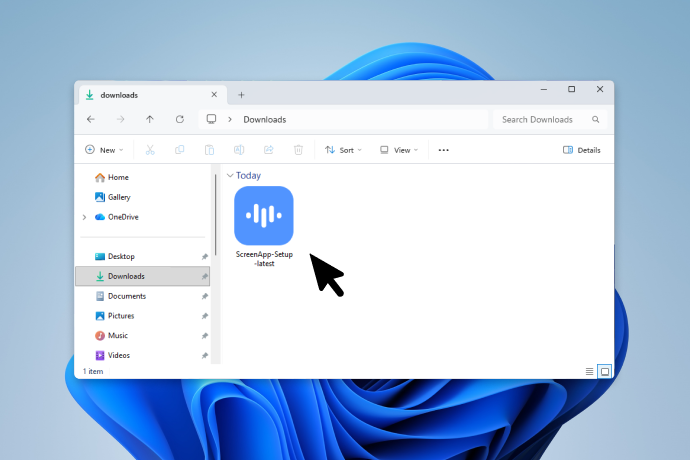
1Open ScreenApp-Setup-latest.exe from your Downloads folder.
-
 2
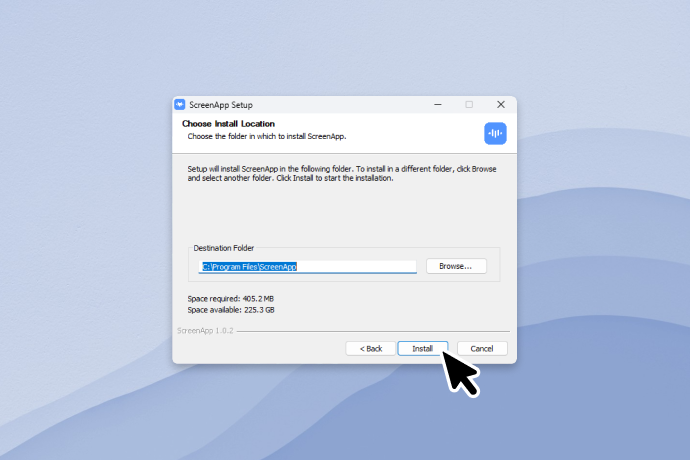
2Choose the install location and click Install, then follow the setup steps.
-
 3
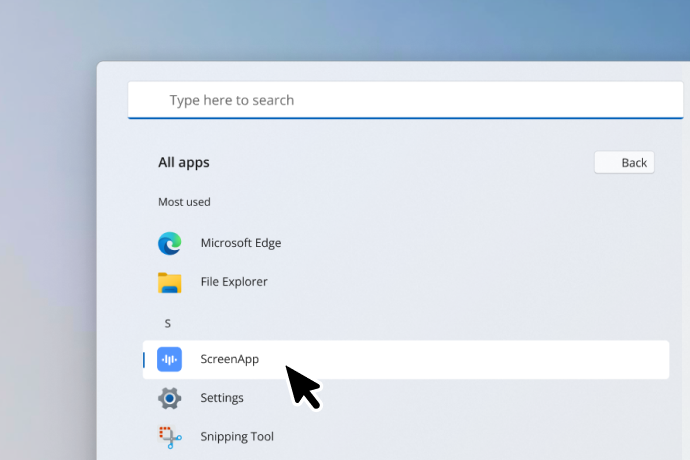
3ScreenApp opens when setup finishes. You can also launch it from the Start menu.
Trouble installing? You can grab the latest build directly.
Download ScreenApp-Setup.exe