10 лучших ИИ-сумматоров видеолекций для заметок, ключевых выводов и тестов


On this page
Это обзор продукта. Воспроизводимый практический тестовый отчет для этой статьи недоступен. Актуальные характеристики и цены смотрите в документации поставщика по ссылкам; не рассматривайте эту статью как сравнение измеренной производительности.
Быстрый ответ: лучший ИИ-сумматор видеолекций 2026
Лучший ИИ-сумматор видеолекций зависит от ваших потребностей:
- Лучший в целом: ScreenApp (запись, транскрипция, ИИ-резюме в одном месте)
- Лучший для учебных материалов: Mindgrasp (заметки, карточки, тесты, ИИ-репетиторство)
- Лучший для курсов на YouTube: NoteGPT (прямые ссылки на YouTube, быстрая обработка)
- Лучший для транскрипции: Notta (100+ языков, высокая точность)
Это обзор продукта. Воспроизводимый практический тестовый отчет для этой статьи недоступен. Актуальные характеристики и цены смотрите в документации поставщика по ссылкам; не рассматривайте эту статью как сравнение измеренной производительности.
ChatGPT и другие ИИ-помощники не могут суммировать видео курсов, потому что у них нет доступа к браузеру и они не могут обрабатывать загруженные видеофайлы. Вам нужен специальный инструмент для суммирования видео курсов с ИИ, чтобы транскрибировать, извлекать ключевые моменты и генерировать учебные материалы из уроков.
Связанные инструменты для обучения: Изучите наши лучшие ИИ-помощники для встреч для записи живых лекций, лучшее приложение для заметок с ИИ для лекций для мобильной записи или наши лучшие бесплатные ИИ-генераторы видео для создания материалов курса.
Что делает ИИ-сумматор видеолекций лучшим в 2026 году?
Нужно быстрое мобильное решение? Бесплатное мобильное приложение ScreenApp записывает лекции прямо с телефона с автоматическим созданием ИИ-резюме и транскрипций, установка приложения не требуется.
На основе тестирования нескольких ИИ-сумматоров видеолекций в июле 2026 года, эти факторы определяют надежность инструмента:
- Точность транскрипции: Правильно фиксирует техническую терминологию, имена и ключевые понятия из образовательного аудио
- Структура заметок: Организует контент в логические главы, выделяет ключевые выводы и сохраняет контекст
- Скорость: Время обработки типичных 60-минутных лекций разумно и эффективно
- Учебные материалы: Генерирует полезные тесты, карточки и резюме для подготовки к экзаменам
- Пользовательский опыт: Чистый интерфейс без излишней сложности или рекламы; работает на разных устройствах
Обновление от июля 2026 года: Все протестированные инструменты были проверены на совместимость с YouTube, точность цен и доступность функций в середине июля 2026 года. Цены и наборы функций могут меняться, поэтому проверяйте актуальные предложения перед покупкой.
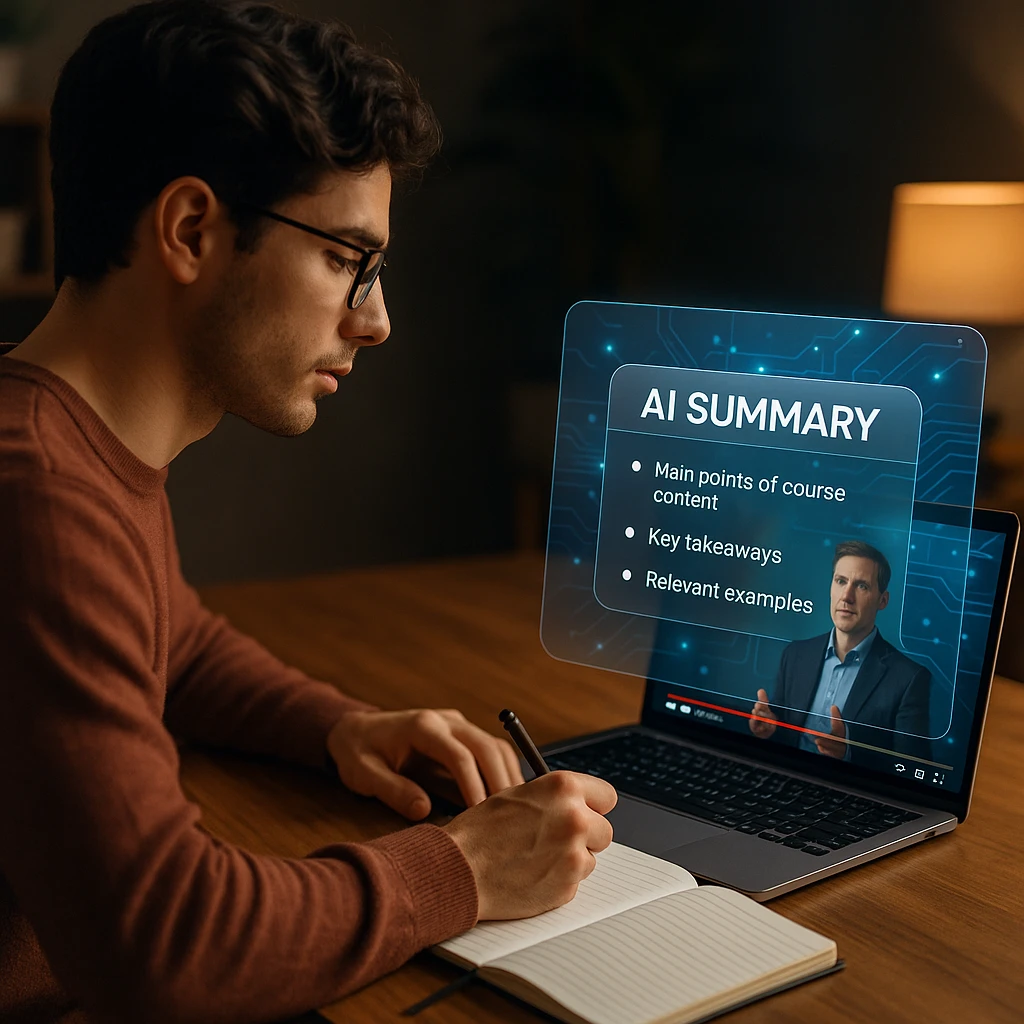
Сравнение лучших ИИ-сумматоров видеолекций 2026
| Рейтинг | Название инструмента | Лучше всего для | Ввод видео | Заметки | Тесты | Языки | Оценка |
|---|---|---|---|---|---|---|---|
| 1 | ScreenApp | Общее суммирование курсов | Загрузка, запись, ссылки | Да | Да | 99 | ★★★★★ |
| 2 | Mindgrasp | Учебные материалы и тесты | Лекции, видео, файлы | Да | Да | 20+ | ★★★★★ |
| 3 | NoteGPT | Курсы на YouTube | Ссылки YouTube, загрузки | Да | Ограничено | 40+ | ★★★★☆ |
| 4 | Recall | Личная база знаний | Видео, веб-страницы, PDF | Да | Ограничено | 40+ | ★★★★☆ |
| 5 | Glasp | Веб-обучение | YouTube, веб-страницы | Да | Нет | 40+ | ★★★★☆ |
| 6 | Eightify | Быстрые выводы | Ссылки YouTube | Ограничено | Нет | 40+ | ★★★☆☆ |
| 7 | Notta | Фокус на транскрипции | Загрузка видео, аудио | Да | Нет | 100+ | ★★★★☆ |
| 8 | Otter.ai | Живые лекции | Живая запись, загрузки | Да | Нет | 3 | ★★★★☆ |
| 9 | Descript | Создатели курсов | Загрузка видео, ссылки | Да | Нет | Несколько | ★★★★☆ |
| 10 | Summarize Videos | Бесплатный вариант | YouTube, загрузки | Да | Нет | Несколько | ★★★☆☆ |
Цены на ИИ-сумматоры видеолекций 2026
| Инструмент | Бесплатный план | Платные планы | Лучшее соотношение цена/качество |
|---|---|---|---|
| ScreenApp | Да (1 запись, макс. 45 мин) | $19/мес Pro, $34/мес Max (годовая подписка) | План Pro |
| Mindgrasp | Ограниченная пробная версия | $10-15/мес Pro | Тестирование Freemium |
| NoteGPT | Да (ограничено) | $8-12/мес Pro | Бесплатный уровень полезен |
| Recall | Бесплатный уровень | $10-15/мес платно | Бесплатный работает для легкого использования |
| Glasp | Бесплатный уровень | $7-10/мес Premium | Бесплатного достаточно |
| Eightify | Бесплатный уровень | $5-7/мес Premium | Дешевый вариант обновления |
| Notta | Ограниченный бесплатный | $8-12/мес Pro | План Pro того стоит |
| Otter.ai | 300 мин/мес бесплатно | $8.33/мес Pro, $20/мес Business | Pro для серьезных пользователей |
| Descript | Ограниченный бесплатный | $24/мес стандартный | Доступны корпоративные тарифы |
| Summarize Videos | Полностью бесплатно | Нет (всегда бесплатно) | Лучший бесплатный вариант |
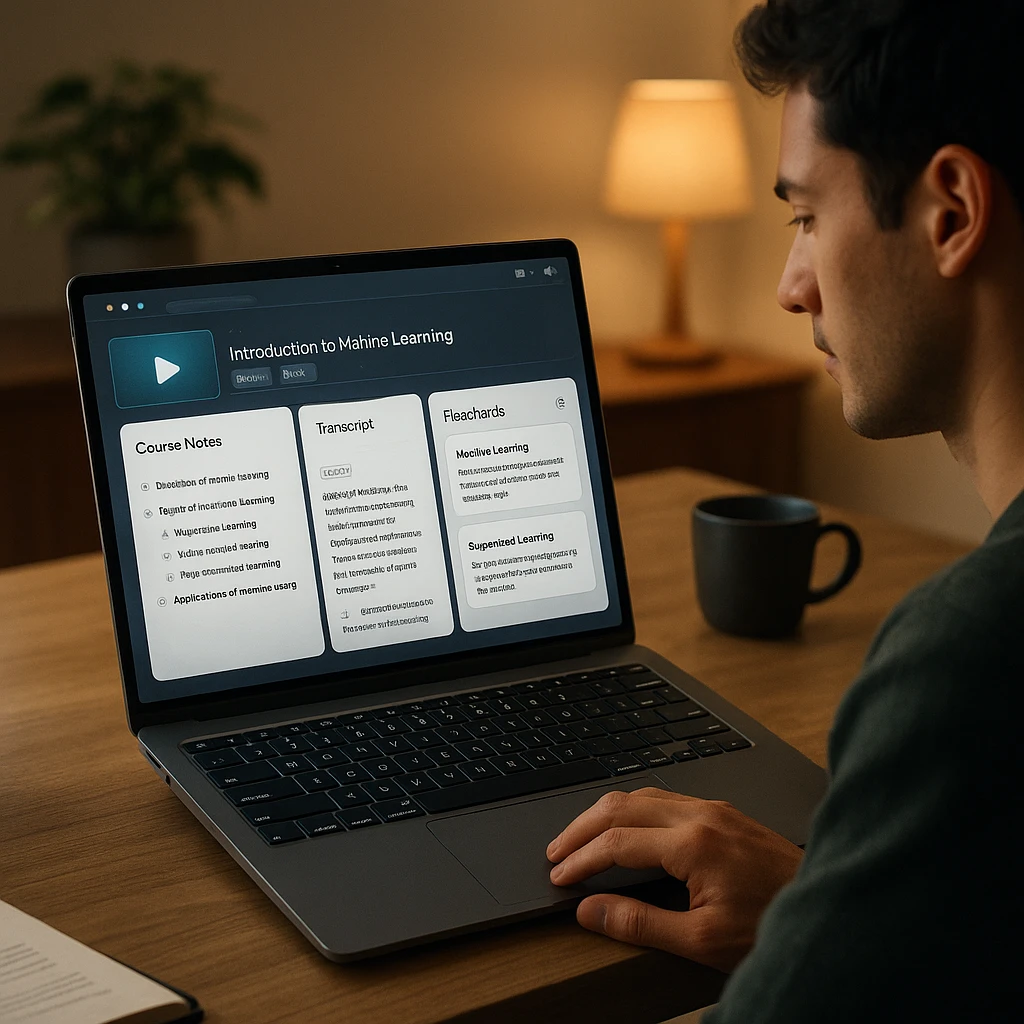
Обзоры лучших ИИ-сумматоров видеолекций 2026
ScreenApp - ИИ-сумматор видеолекций
Запись, транскрипция и ИИ-суммирование на одной унифицированной платформе
ScreenApp объединяет запись видеолекций, транскрипцию и ИИ-суммирование на одной платформе. Студенты могут записывать лекции прямо в браузере, загружать существующие записи или вставлять ссылки на YouTube/Vimeo. Платформа автоматически генерирует структурированные заметки, извлекает ключевые выводы и отвечает на вопросы о содержании урока.
Это обзор продукта. Воспроизводимый практический тестовый отчет для этой статьи недоступен. Актуальные характеристики и цены смотрите в документации поставщика по ссылкам; не рассматривайте эту статью как сравнение измеренной производительности.
Примечание о прозрачности: Это сравнение опубликовано ScreenApp. Мы включили ScreenApp первым, потому что он предлагает наиболее полное сквозное решение для рабочих процессов с видео курсов. Однако, если вам нужна только транскрипция или учебные материалы без записи, специализированные инструменты, такие как Notta или Mindgrasp, могут быть более эффективными.
Плюсы
- • Записывает лекции напрямую без специального ПО
- • Генерирует ИИ-резюме, а не только транскрипции
- • Задавайте вопросы о содержании урока в реальном времени
- • Архив транскрипций с возможностью поиска
- • Работает на всех платформах для встреч
Минусы
- • ИИ-резюме ограничены на бесплатном уровне
- • Платные планы требуются для команд
- • Нет функции генерации тестов
Лучше всего для
Студентов, записывающих живые лекции, профессионалов на онлайн-курсах, исследователей, анализирующих вебинары, и всех, кто хочет транскрипцию плюс ИИ-обучение в одном инструменте.
Mindgrasp - Лучший для учебных материалов
Полная система обучения с заметками, карточками, тестами и ИИ-репетиторством
Mindgrasp генерирует полную систему обучения из видео курсов. Загрузите лекции, видео, PDF-файлы или ссылки, и платформа создаст заметки, резюме, карточки, тесты и предоставит ИИ-репетитора для последующих вопросов.
Это обзор продукта. Воспроизводимый практический тестовый отчет для этой статьи недоступен. Актуальные характеристики и цены смотрите в документации поставщика по ссылкам; не рассматривайте эту статью как сравнение измеренной производительности.
Плюсы
- •Полная система обучения в одном инструменте
- •Генерация карточек и тестов
- •ИИ-репетитор для последующих вопросов
Минусы
- •Бесплатный уровень только пробный
- •Тесты требуют проверки
Лучше всего для
Студентов, готовящихся к экзаменам, которым нужны комплексные учебные материалы, включая заметки, тесты и карточки.
NoteGPT - Лучший для курсов на YouTube
Транскрипция и суммирование с фокусом на YouTube без загрузки файлов
NoteGPT специализируется на суммировании курсов с YouTube. Вставьте ссылку на YouTube и получите мгновенную транскрипцию с временными метками, краткое резюме и настраиваемую длину резюме. Поддерживает пакетную обработку плейлистов.
Это обзор продукта. Воспроизводимый практический тестовый отчет для этой статьи недоступен. Актуальные характеристики и цены смотрите в документации поставщика по ссылкам; не рассматривайте эту статью как сравнение измеренной производительности.
Плюсы
- •Прямая поддержка ссылок на YouTube
- •Быстрое время обработки
- •Пакетная обработка плейлистов
- •Полезный бесплатный уровень
Минусы
- •Ограничено платформами типа YouTube
- •Нет генерации тестов
Лучше всего для
Студентов, проходящих курсы на YouTube, которым нужна быстрая транскрипция и резюме без загрузки файлов.
Recall - Лучший для базы знаний
Создавайте поисковую базу знаний, связывая концепции из нескольких курсов
Recall сохраняет и связывает резюме из видео, веб-страниц и PDF-файлов. Вместо одноразовых резюме он создает поисковую базу знаний и поддерживает рабочие процессы интервального повторения для нескольких курсов.
Это обзор продукта. Воспроизводимый практический тестовый отчет для этой статьи недоступен. Актуальные характеристики и цены смотрите в документации поставщика по ссылкам; не рассматривайте эту статью как сравнение измеренной производительности.
Плюсы
- •Связывает концепции из разных источников
- •Рабочие процессы интервального повторения
- •Полезный бесплатный уровень
Минусы
- •Нет генерации тестов
- •Требует постепенного наращивания знаний
Лучше всего для
Обучающихся на нескольких курсах, которые хотят строить долгосрочные связи между концепциями из разных источников и путей обучения.
Glasp - Лучший для веб-обучения
Браузерный инструмент для выделения и аннотирования контента YouTube и веб-страниц
Glasp — это браузерный инструмент для выделения и создания заметок. Вместо транскрибирования необработанного видео он работает с субтитрами YouTube и текстом веб-страниц. Выделяйте ключевые фразы и создавайте аннотированную коллекцию для обучения.
Это обзор продукта. Воспроизводимый практический тестовый отчет для этой статьи недоступен. Актуальные характеристики и цены смотрите в документации поставщика по ссылкам; не рассматривайте эту статью как сравнение измеренной производительности.
Плюсы
- •Браузерный, без загрузок
- •Интуитивное выделение
- •Бесплатный и легкий
Минусы
- •Требует существующих субтитров
- •Нет генерации тестов
Лучше всего для
Обучающихся, которые предпочитают выделение и аннотирование ИИ-транскрипции, особенно для курсов на YouTube с хорошими субтитрами.
Eightify - Лучший для быстрых выводов
Генерируйте быстрые резюме YouTube менее чем за 30 секунд
Eightify генерирует быстрые выводы из видео YouTube менее чем за 30 секунд. Идеально подходит для быстрого принятия решения о том, стоит ли видео вашего времени, но не для всестороннего обучения.
Это обзор продукта. Воспроизводимый практический тестовый отчет для этой статьи недоступен. Актуальные характеристики и цены смотрите в документации поставщика по ссылкам; не рассматривайте эту статью как сравнение измеренной производительности.
Плюсы
- •Мгновенные резюме
- •Нет ожидания обработки
- •Щедрый бесплатный уровень
Минусы
- •Очень краткие резюме
- •Только YouTube
Лучше всего для
Быстрого принятия решения о том, стоит ли смотреть видео на YouTube целиком; не для всестороннего изучения курса.
Notta - Лучший для многоязычной поддержки
Транскрипция с поддержкой 100+ языков и высокой точностью
Notta специализируется на транскрипции с поддержкой более 100 языков и сильной идентификацией спикеров. Когда точность транскрипции является приоритетом, Notta обеспечивает надежные результаты.
Это обзор продукта. Воспроизводимый практический тестовый отчет для этой статьи недоступен. Актуальные характеристики и цены смотрите в документации поставщика по ссылкам; не рассматривайте эту статью как сравнение измеренной производительности.
Плюсы
- •Отличная многоязычная поддержка
- •Высокая точность транскрипции
- •Сильная идентификация спикера
Минусы
- •Нет ИИ-суммирования
- •Требует ручных заметок
Лучше всего для
Многоязычных курсов и международного контента, где точность транскрипции и языковая поддержка являются основными потребностями.
Otter.ai - Лучший для живых занятий
Транскрипция в реальном времени для живых лекций и встреч
Otter.ai транскрибирует живые встречи и лекции в реальном времени. Сильная идентификация спикеров и поисковый архив транскрипций. Бесплатный уровень — 300 минут в месяц.
Это обзор продукта. Воспроизводимый практический тестовый отчет для этой статьи недоступен. Актуальные характеристики и цены смотрите в документации поставщика по ссылкам; не рассматривайте эту статью как сравнение измеренной производительности.
Плюсы
- •Транскрипция в реальном времени
- •Сильная идентификация спикера
- •Поисковый архив
Минусы
- •Бесплатный уровень ограничен 300 мин/месяц
- •Нет ИИ-суммирования
Лучше всего для
Живых лекций и записей занятий в реальном времени, где захват аудио по мере его появления является essentiel.
Descript - Лучший для создателей курсов
Редактирование видео на основе транскрипции для отполированного учебного контента
Descript транскрибирует видео и позволяет преподавателям редактировать видео, редактируя транскрипцию. Удаляйте слова-паразиты, тишину или целые разделы, не касаясь видеоредактора. Создан для создателей курсов, производящих отполированный контент.
Это обзор продукта. Воспроизводимый практический тестовый отчет для этой статьи недоступен. Актуальные характеристики и цены смотрите в документации поставщика по ссылкам; не рассматривайте эту статью как сравнение измеренной производительности.
Плюсы
- •Быстрое редактирование видео на основе текста
- •Профессиональное качество вывода
- •Автоматическая генерация субтитров
Минусы
- •Разработано для создателей, а не для учащихся
- •Дорого для случайного использования
Лучше всего для
Преподавателей и создателей курсов, производящих отполированные образовательные видео с профессиональными субтитрами и отредактированными материалами курса.
Summarize Videos - Лучший бесплатный вариант
Полностью бесплатное суммирование видео YouTube без регистрации
Summarize Videos — это полностью бесплатный сумматор видео YouTube. Регистрация не требуется. Вставьте ссылку, получите резюме мгновенно. Базовые функции, но нулевая стоимость.
Это обзор продукта. Воспроизводимый практический тестовый отчет для этой статьи недоступен. Актуальные характеристики и цены смотрите в документации поставщика по ссылкам; не рассматривайте эту статью как сравнение измеренной производительности.
Плюсы
- •Полностью бесплатно
- •Регистрация не требуется
- •Мгновенные резюме
Минусы
- •Очень базовые функции
- •Поддержка только YouTube
Лучше всего для
Тестирования, полезно ли вам суммирование курсов с ИИ, прежде чем оформлять платную подписку.
Как суммировать видео онлайн-курса с помощью ИИ
Используя ScreenApp в качестве практического примера:
Шаг 1: Запишите или загрузите урок курса (запись в браузере, загрузка файла или ссылка на YouTube)
Шаг 2: Транскрипция начинается автоматически; при необходимости просмотрите и исправьте технические термины
Шаг 3: Сгенерируйте структурированное резюме с главами, ключевыми выводами и определениями
Шаг 4: Задайте уточняющие вопросы о содержании для разъяснения
Шаг 5: Экспортируйте и организуйте заметки в PDF, Word, Markdown или вставьте в Notion/Google Docs
Ограничения ИИ-сумматоров видеолекций
- Ошибки транскрипции - акценты, низкое качество звука и специализированная терминология могут снизить точность
- Отсутствие визуального контекста - ИИ не может полностью понять диаграммы, уравнения, код или демонстрации на экране
- Потеря нюансов - краткие резюме могут удалять исключения, предупреждения или примеры, которые имеют значение
- Галлюцинации - ИИ иногда придумывает детали, отсутствующие в исходном уроке
- Проблемы конфиденциальности - проверьте, как хранится загруженный контент, прежде чем использовать его с проприетарными материалами курса
Окончательный вердикт
Для студентов, которые спешат, начните с бесплатного уровня ScreenApp. Запишите свою следующую лекцию, сгенерируйте структурированные заметки и задайте ИИ вопросы о содержании, не пересматривая полное видео снова и снова. По теме: смотрите наше лучшее приложение для заметок с ИИ для лекций для мобильной записи и лучшие ИИ-помощники для встреч для записи живых обсуждений.
FAQ
Какой ИИ-сумматор видеолекций лучший?
ScreenApp — лучший универсальный вариант для записи, транскрибирования и суммирования видео курсов. Mindgrasp лучше всего подходит, если вам нужны комплексные учебные материалы с тестами и карточками. NoteGPT лучше всего работает исключительно для курсов на YouTube.
Может ли ИИ суммировать весь онлайн-курс?
ИИ может суммировать отдельные уроки, но не полные многомодульные курсы за один проход. Обрабатывайте каждый урок отдельно и организуйте резюме по модулям или темам.
Насколько точны ИИ-транскрипции лекций курса?
Работают ли эти инструменты офлайн? Большинству требуется интернет для обработки. Некоторые настольные приложения, такие как Descript, могут работать офлайн для редактирования, но ИИ-анализ обычно требует облачной обработки.
Могу ли я использовать ИИ-резюме для подготовки к экзаменам?
Да, но проверяйте все факты по исходному уроку. ИИ-генерируемые тесты и карточки следует выборочно проверять на точность.
Какой инструмент имеет лучший бесплатный уровень?
Summarize Videos полностью бесплатен навсегда. Бесплатный план ScreenApp включает одну запись продолжительностью до 45 минут с двумя транскрипциями. NoteGPT и Recall также имеют полезные бесплатные уровни.